What is Unlost?
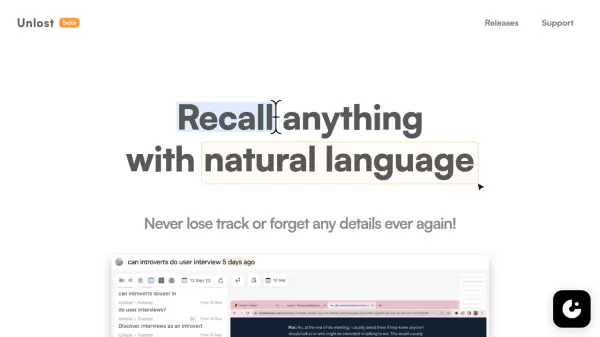
Unlost is a revolutionary memory palace application designed for modern digital workflows. It intelligently records and understands screen content, enabling users to search through their digital history using natural language queries, without the need for manual bookmarking or note-taking.
The application operates discreetly in the background, capturing and processing data locally while respecting user privacy and copyright laws. With features like intelligent screen layout understanding, powerful filtering capabilities, and quick keyboard access, Unlost transforms how users recall and retrieve their digital interactions.
Features
- Intelligent Recording: Automatically understands screen layout and content
- Natural Language Search: Search and filter data using conversational queries
- Local Processing: All data collection and processing done offline on user's machine
- Privacy Controls: Customizable exclusion of apps, websites, and sensitive content
- Quick Access: Operate via keyboard shortcuts with background processing
- Meeting Transcript Search: Support for Zoom, Google Meets, and Teams transcripts
- Text Extraction: Copy text from screenshots through cropping
- Zero Integration Required: Works directly through screen capture without app integration
Use Cases
- Meeting recall and reference
- Research documentation
- Digital activity tracking
- Information retrieval
- Project documentation
- Knowledge management
- User interview analysis
- Screen content archiving
FAQs
-
How does Unlost protect user privacy?
Unlost processes and stores all data locally on the user's machine, only collecting email addresses. It also respects privacy by allowing users to exclude specific apps and websites from recording. -
What types of meeting platforms does Unlost support?
Unlost supports searching transcripts from Zoom, Google Meets, and Teams meetings, both from web and native clients. -
Does Unlost require integration with other applications?
No, Unlost works independently through screen capture without requiring any integration with other apps or services. -
What operating systems does Unlost support?
Currently, Unlost is available for Mac M1/M2, with more platforms planned for future release.