What is TotalCtrl?
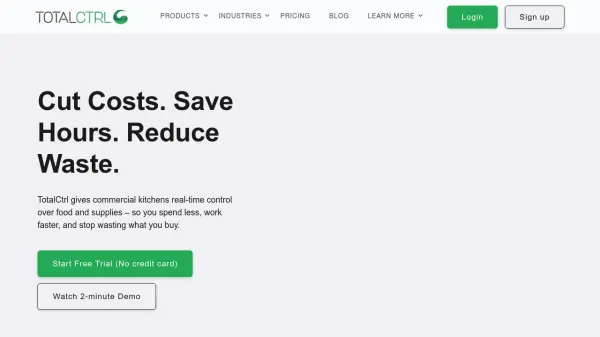
TotalCtrl is an AI-powered inventory management platform designed for commercial kitchens in hospitality and healthcare. It helps businesses cut costs, save hours, and reduce waste by providing real-time control over food and supplies. The platform offers digital stock count apps, order management, impact reporting, and actionable analytics to streamline operations.
With TotalCtrl, users can easily input data by connecting procurement systems, importing existing inventory, or uploading supplier orders. The intuitive interface enables real-time inventory counts, delivery control, food waste tracking, expiry notifications, and smart shopping list generation. Trusted by kitchens in over 10 countries, TotalCtrl has helped reduce inventory time by 50% and cut food waste by up to 35% within a month.
Features
- Real-time Inventory Count: Access live inventory data and control stock levels instantly.
- Order Management: Simplify procurement and manage supplier orders digitally.
- Impact Reporting: Generate reports on inventory, food waste, and price variations for compliance and accounting.
- Expiry Notifications: Receive alerts for soon-to-expire items to reduce waste.
- Smart Shopping Lists: Automatically generate optimized shopping lists based on inventory needs.
- Data Integration: Connect procurement systems, import existing data, or upload supplier orders.
Use Cases
- Restaurant inventory management
- Hotel and hospitality supply tracking
- Healthcare kitchen operations
- Food producer inventory control
- Waste reduction in commercial kitchens