What is Optimum Control?
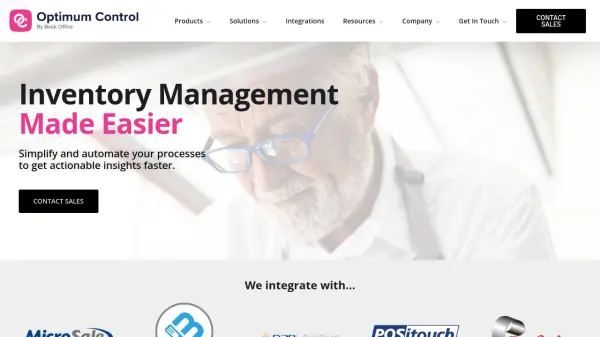
Optimum Control offers a comprehensive suite of restaurant inventory management tools designed for Windows-based desktop devices. The software simplifies operations by allowing users to input inventory and invoice data, then automatically processes this information to generate actionable insights.
By integrating with existing POS systems, accounting platforms, and supplier histories, it provides over 70 customizable reports to help identify cost-saving opportunities. The platform enhances efficiency through purpose-built features that complement existing workflows, making valuable data accessible across kitchen, back office, and headquarters operations.
Features
- Inventory Management: Automates inventory tracking and invoice processing for streamlined operations
- Integration Capabilities: Connects with POS systems, accounting platforms, and supplier histories
- Reporting Tools: Offers over 70 customizable reports for actionable business insights
- Multi-Platform Support: Available for Windows-based desktop devices with mobile add-ons
- Cost Analysis: Provides ideal vs. actual comparisons to identify cost-saving opportunities
Use Cases
- Managing food costs and inventory for independent restaurants
- Consolidating reporting across multi-unit restaurant chains
- Tracking multiple profit centers in leisure and entertainment venues
- Automating inventory data entry and processing
- Generating actionable business insights from operational data