What is Toolsmart?
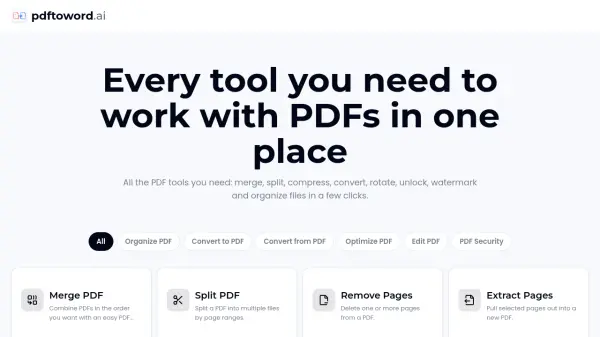
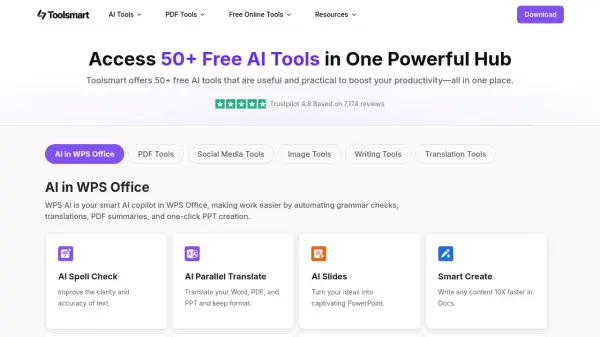
Toolsmart provides a comprehensive collection of over 50 free online tools designed to enhance productivity. It centralizes various functionalities, integrating AI capabilities to streamline tasks related to document management, content creation, and digital media. The platform offers tools for PDF manipulation, such as converting, merging, splitting, and signing documents.
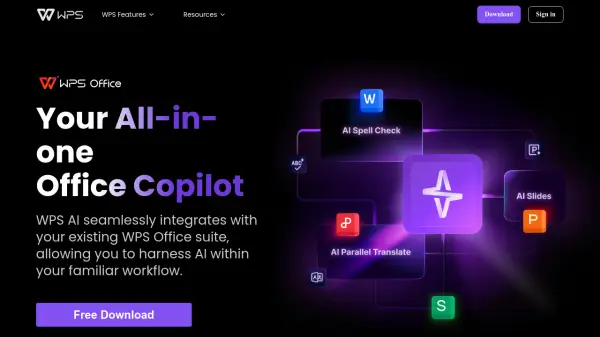
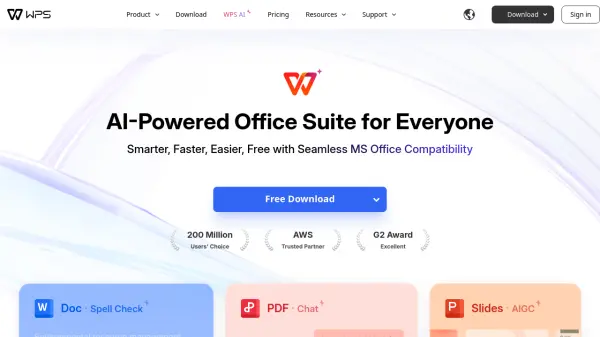
Additionally, Toolsmart features AI-powered writing aids for paraphrasing, rewriting, and generating stories, alongside image editing tools for background removal and enhancement. It also includes utilities for downloading media from social platforms and translating documents while preserving their original layout. Many of these features are integrated within the WPS Office suite, acting as an AI copilot (WPS AI) to assist with grammar checks, translations, summaries, and presentation creation.
Additionally, Toolsmart features AI-powered writing aids for paraphrasing, rewriting, and generating stories, alongside image editing tools for background removal and enhancement. It also includes utilities for downloading media from social platforms and translating documents while preserving their original layout. Many of these features are integrated within the WPS Office suite, acting as an AI copilot (WPS AI) to assist with grammar checks, translations, summaries, and presentation creation.
Features
- AI in WPS Office: Integration for AI assistance (grammar, translation, summaries, PPT creation).
- PDF Tools Suite: Comprehensive PDF management (convert, merge, split, compress, sign, organize).
- Social Media Downloader: Download videos, images, and audio from platforms like YouTube.
- AI Image Tools: Background removal, object removal, photo enhancement, image upscaling, text removal, photo restoration.
- AI Writing Tools: Paraphrasing, sentence rewriting, paragraph rewriting, rewording, story generation.
- Translation Tools: Translate documents (PDF, Word, Excel, PPT) while maintaining layout.
- AI Spell Check: Improve text clarity and accuracy.
- Chat PDF: Interact with PDFs to get answers.
- PDF Summarizer: Summarize long PDFs with clickable source proof.
- Resume Master: Create professional resumes with AI-powered templates.
Use Cases
- Managing and converting PDF documents.
- Improving writing quality and generating creative text.
- Editing images for various purposes.
- Translating documents for multilingual communication.
- Downloading media content from social platforms.
- Automating tasks within WPS Office.
- Creating professional resumes efficiently.
- Summarizing lengthy PDF reports or articles.
- Checking grammar and spelling in documents.
- Extracting data or information from PDF files via chat.