What is Survtapp?
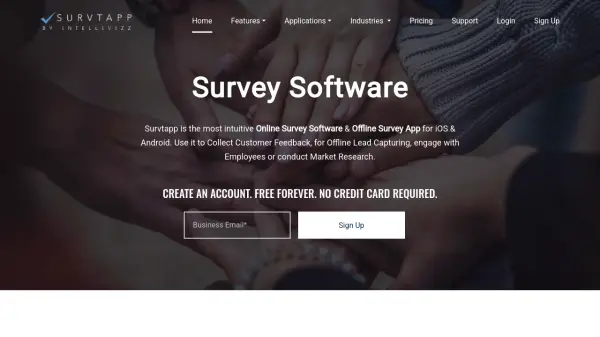
Survtapp provides a robust platform for designing and deploying surveys designed for a wide range of applications, including customer feedback, lead capturing, employee engagement, and detailed market research. The platform features an intuitive survey builder with more than 20 question types, advanced survey logic, and extensive personalization options to craft unique branded experiences.
Users can collect responses both online through web browsers and offline via user-friendly mobile apps for iOS and Android, ensuring accessibility in diverse environments. Survtapp offers real-time and visual reporting, offline data collection, audio and signature responses, geolocation tracking, lead scoring, and GDPR-compliant data security, making it suitable for small businesses and enterprise organizations alike.
Features
- Survey Question Builder: Intuitive interface with over 20 question types.
- Offline Data Collection: Gather survey responses without internet on iOS and Android.
- Survey Personalization: Branded welcome screens, custom messages, and design elements.
- Logic & Programming: Skip logic and chained logic for targeted survey flow.
- Real-Time Reporting: Detailed, visual and individual response analysis.
- Audio and Signature Capture: Collect audio responses and signatures directly on devices.
- Lead Collection & Scoring: Integrated lead management and scoring tools.
- Survey Kiosk Mode: Secure mobile data collection via kiosk functionality.
- Geolocation Tracking: Capture precise location data with each survey response.
- GDPR Compliance: Data handling practices in line with privacy regulations.
Use Cases
- Customer feedback collection for hospitality, retail, banks, and more.
- Employee engagement and satisfaction surveys.
- Market research with comprehensive question types and analytics.
- Offline lead capture at trade shows, events, and field operations.
- Mobile kiosk-based feedback in retail stores or public venues.
- Quick polls and instant data collection for decision-making.
- KYC and customer data forms with image and signature inputs.
- Audit and inspection assessments without paper forms.
FAQs
-
How long can I use the Free Plan?
The Free Plan can be used indefinitely, limited to collecting 60 responses per year. -
How do I upgrade to a Paid Plan?
After logging in, navigate to Manage Account, click on upgrade, and follow the prompts to enter your details and make a payment. -
Can I get a refund after upgrading to a paid plan?
A full refund is available as long as no more than 60 responses per year have been used during the subscription period. -
Do you help in creating surveys and collecting responses?
Survtapp offers assistance in building surveys and guiding setup for devices. Support is available via email for these services. -
Are custom plans available for specific requirements?
Yes, custom survey solutions for web and mobile with advanced features or higher capacity are available upon request.