What is Supamind?
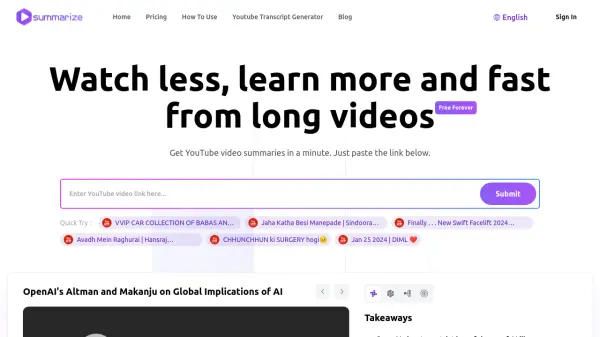
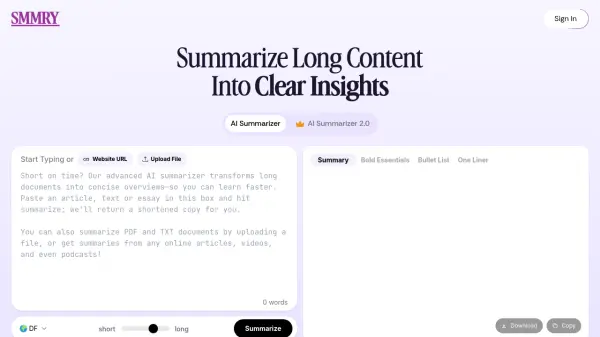
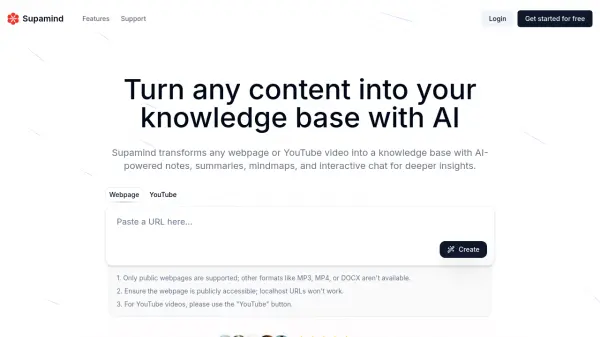
Supamind leverages artificial intelligence to convert content from public webpages and YouTube videos into a structured knowledge base. Users input a URL, and the tool automatically analyzes the source material to generate key assets such as concise summaries, detailed notes, and visual mind maps. This process streamlines information gathering and comprehension from online sources.
The platform facilitates deeper engagement with the content through an interactive AI chat feature, allowing users to ask questions and gain further insights. Generated notes, summaries, transcripts (where available), and mind maps are fully editable, enabling users to personalize the information, add their own insights, and organize their knowledge effectively. Supamind aims to enhance learning, research, and content understanding by providing organized, AI-powered insights.
Features
- Webpage & YouTube Processing: Accepts URLs from public webpages and YouTube videos.
- Quick Summaries: Generates concise summaries of the provided content.
- Mind Map Generation: Creates visual mind maps to illustrate connections and structure.
- AI Chat Interaction: Allows users to ask questions and explore content further via AI chat.
- Editable Notes: Enables customization and personalization of generated notes.
- Transcript Generation: Provides transcripts with timestamps for supported videos.
Use Cases
- Summarizing long articles or YouTube videos quickly.
- Extracting key information from online content for research.
- Creating visual mind maps to understand complex topics.
- Building a personalized knowledge base from web sources.
- Enhancing learning efficiency by interacting with content via AI chat.
- Generating initial notes for educational materials or presentations.
FAQs
-
What types of content does Supamind support?
Supamind currently supports converting public webpages and YouTube videos into notes. Future updates may include support for PDFs, plain text, and other content types. -
How does the AI chat function work in Supamind?
The AI chat function allows you to interact with the content in your notes. You can ask the AI questions to clarify information, explore related topics, or gain deeper insights from the summarized content. -
Can I edit the notes generated by Supamind?
Yes, you can easily edit the notes generated by Supamind, including summaries, transcripts, and mind maps, to personalize them for your learning or research goals.