Summ favicon

Summ
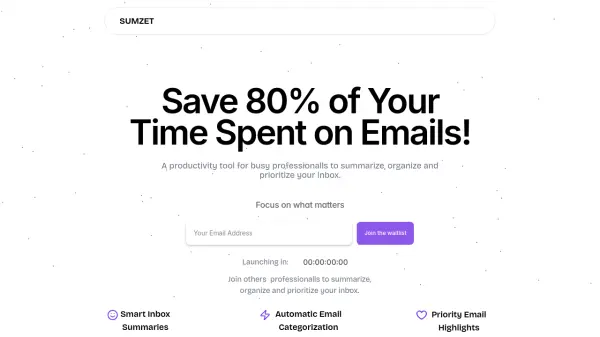
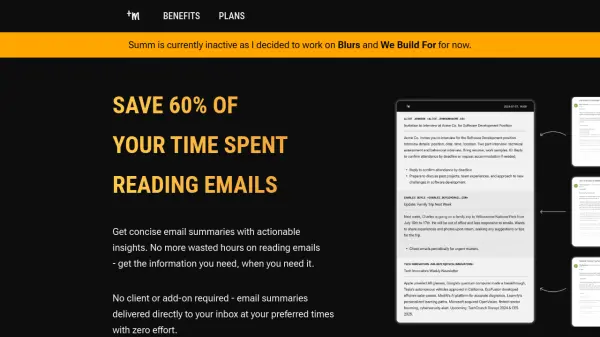
Save 60% of your time spent reading emails

What is Summ?

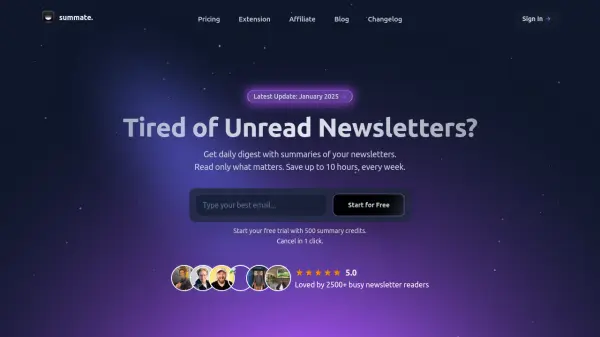
Summ helps professionals reclaim their time by summarizing emails and suggesting actions. It integrates seamlessly with existing email setups by providing users with unique Summ email addresses for forwarding.

By automating the summarization process and delivering key insights directly to the user's inbox, It minimizes time spent managing emails and increase overall efficiency.

Features

  • Time Savings: Reduces time spent on emails by over 60%.
  • Actionable Insights: Suggests actions based on email content.
  • Scheduled Summaries: Delivers email summaries at user-preferred times.
  • Email Forwarding: Utilizes a unique Summ email address for forwarding.
  • Automated Summarization: Processes and summarizes emails automatically.

Use Cases

  • Quickly understand the content of long emails.
  • Reduce time spent reading and managing emails.
  • Prioritize important emails and actions.
  • Improve focus and productivity by batching email processing.
  • Minimize email-related stress and information overload.

FAQs

  • What email provides can I use Summ with?
    The content doesn't specify, it only asks what email providers you can use with Summ.
  • How many email addresses can I forward to Summ?
    The content doesn't mention how many email addresses you can forward.
  • What languages does Summ support?
    The website doesn't mention specific supported languages.
  • What happens if Summ cannot process an email?
    Information regarding the handling of emails that cannot be processed is not provided.
  • What is your refund policy?
    The refund policy details are not specified.

Related Queries

Helpful for people in the following professions

Related Tools:

Blogs:

  • Top AI tools for Teachers

    Top AI tools for Teachers

    Explore the top AI tools designed for teachers, revolutionizing the education landscape. These innovative tools leverage artificial intelligence to enhance teaching efficiency, personalize learning experiences, automate administrative tasks, and provide valuable insights, empowering educators to create engaging and effective educational environments.

  • AI thumbnail maker tools

    AI thumbnail maker tools

    Automatically generate visually appealing and optimized thumbnails for various digital content, streamlining the design process and enhancing visual engagement

  • Top 6 AI note-taking tools for 2026: in-person, online, and hybrid use cases

    Top 6 AI note-taking tools for 2026: in-person, online, and hybrid use cases

    Most AI note-taking lists are really lists of meeting bots, which join your video call and transcribe it. That's useful, but it's half the picture. Decisions happen in hallway conversations, client dinners, on-site visits, and hybrid rooms where nobody is on a video link. This guide covers different parts of the note-taking workflow: hardware capture for in-person settings, platform-native tools for online calls, and AI layers for organizing and synthesizing what you've captured. It compares six tools by capture context, workflow fit, pricing, and limitations.

Didn't find tool you were looking for?

Be as detailed as possible for better results