
What is SummyMonkey?
SummyMonkey is designed to enhance productivity by efficiently managing information overload. It provides innovative solutions for handling audio recordings and emails.
The platform offers a range of tools, including NoteTaker for transcribing audio, Summariser for condensing email threads, and Compiler for interactive email insights. With SummyMonkey, users can save time, by streamlining communication and improving their approach to important data.
Features
- NoteTaker: Summarizes audio recordings.
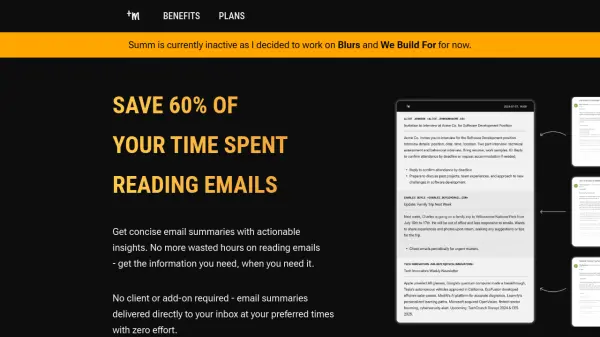
- Summariser: Condenses multiple emails.
- Compiler: Chat with your emails for insights.
Use Cases
- Transcribing meetings and lectures
- Summarizing email threads for quick review
- Gathering insights from multiple emails through interactive chat
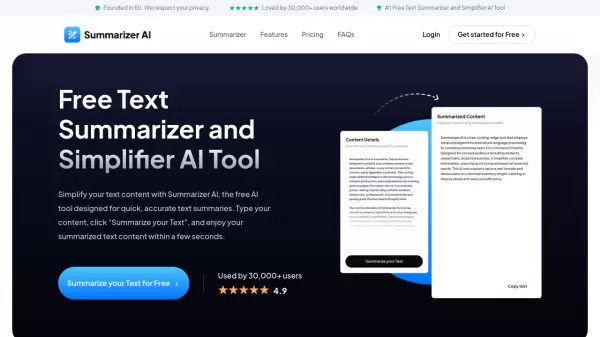
- Creating concise summaries of online content
FAQs
-
How are units used in SummyMonkey?
Units are interchangeable and can be used for different purposes, such as email summarization, email compilation, or minutes of voice recording. For example, 60 units can be used for 60 minutes of uploaded voice recording, 50 units for summarizing 50 emails, or 70 units for receiving 70 emails for compilation. -
What features does SummyMonkey include?
Key features include transforming spoken words into text, summarizing important takeaways, support for multiple spoken languages, condensing large amounts of information, and supporting summarization of website links.