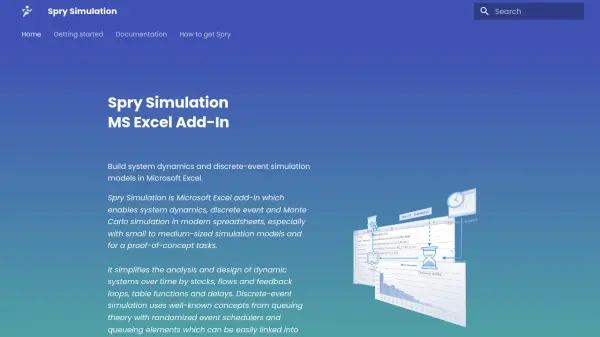
What is Spry Simulation?
Spry Simulation transforms Microsoft Excel into a powerful environment for modeling and analyzing dynamic systems. By integrating system dynamics, discrete-event simulation, and Monte Carlo methods as native spreadsheet functions, it empowers professionals to construct small to medium-sized simulation models for experimentation, validation, and optimization.
This Excel add-in offers extensive support for stocks, flows, feedback loops, delays, and queueing elements, facilitating accurate representation of real-world systems. Results are displayed through Excel's data series, percentiles, and charts, enabling users to review model outcomes, diagnose issues, and refine their simulations with clarity and precision.
Features
- System Dynamics Modeling: Construct models with stocks, flows, feedback loops, and delays for dynamic system analysis.
- Discrete Event Simulation: Incorporate event generators, queuing elements, and event schedulers within spreadsheets.
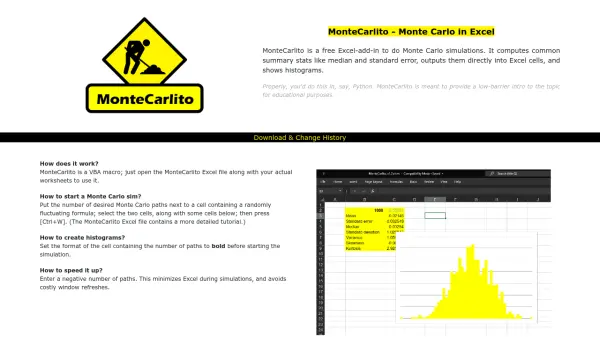
- Monte Carlo Simulation: Utilize built-in random number generators for simulation with various probability distributions.
- Excel Integration: Implement all simulation elements and functions directly as Excel spreadsheet formulas.
- Data Visualization: Generate Excel charts, percentiles, and histograms for simulation result analysis.
- Optimization Support: Integrate with Excel Solver for iterative parameter optimization in simulation models.
- Utility Functions: Use table and step functions, plus import real data from spreadsheet ranges.
- Descriptive Statistics: Obtain comprehensive summaries of simulation output and end values.
Use Cases
- Building and testing proof-of-concept system dynamics models in Excel.
- Simulating customer arrivals and queue management for service operations.
- Modeling supply chain or logistics systems with feedback delays and flows.
- Conducting risk analysis and forecasting with Monte Carlo simulation.
- Optimizing process parameters using simulation-driven experimentation.
- Analyzing and validating business process flows in spreadsheet environments.