What is MonteCarlito?
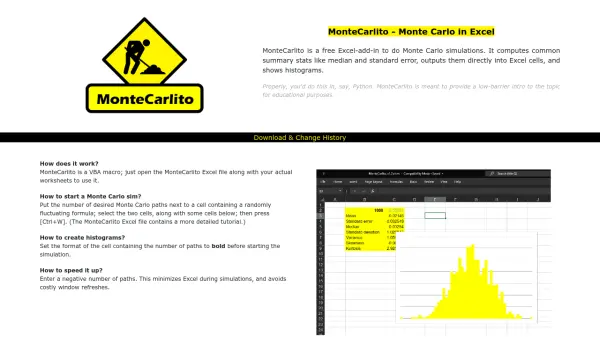
MonteCarlito is a free Excel-add-in designed to perform Monte Carlo simulations within Excel, providing an accessible introduction to this statistical method. It calculates common summary statistics such as median and standard error, outputting results directly into Excel cells and generating histograms for visualization.
As a VBA macro, it integrates seamlessly with existing worksheets by opening the MonteCarlito Excel file alongside user data. The tool is optimized for educational use, offering a low-barrier alternative to more complex programming environments like Python, with features to speed up simulations by minimizing Excel during processing.
Features
- Monte Carlo Simulations: Perform simulations directly in Excel with summary stats and histograms
- Summary Statistics: Compute median, standard error, and other stats output into Excel cells
- Histogram Display: Generate visual histograms based on simulation results
- VBA Macro Integration: Easy setup by opening the MonteCarlito Excel file with user worksheets
- Speed Optimization: Accelerate simulations by minimizing Excel during processing with negative path numbers
Use Cases
- Educational introduction to Monte Carlo simulations in Excel
- Statistical analysis and modeling for academic projects
- Risk assessment and probability calculations in business scenarios
- Data visualization through histogram generation for research purposes
FAQs
-
How do I start a Monte Carlo simulation with MonteCarlito?
Put the number of desired Monte Carlo paths next to a cell containing a randomly fluctuating formula, select the two cells along with some cells below, then press [Ctrl+W]. -
How do I create histograms using MonteCarlito?
Set the format of the cell containing the number of paths to bold before starting the simulation to generate histograms. -
How can I speed up simulations in MonteCarlito?
Enter a negative number of paths to minimize Excel during simulations and avoid costly window refreshes, thus speeding up the process.