Procurement asks how many licenses to buy. Engineering says eight people need access. Finance sees a per-seat price and multiplies by headcount. Six months later you pay for twenty seats while analytics shows eleven weekly active users and three shared logins nobody admits to. That mismatch is an AI tool seat licensing problem, not a discipline problem. Vendors use several licensing models, and each counts "a user" differently.
This guide explains per-seat, concurrent (floating), and usage-based licensing, role-based pricing in AI suites, true-up mechanics, and how to right-size from usage data. Teams browsing AI productivity tools and AI writing tools should pick a licensing model before annual commit, not after invoice shock.
Per-Seat vs Concurrent vs Usage Licensing
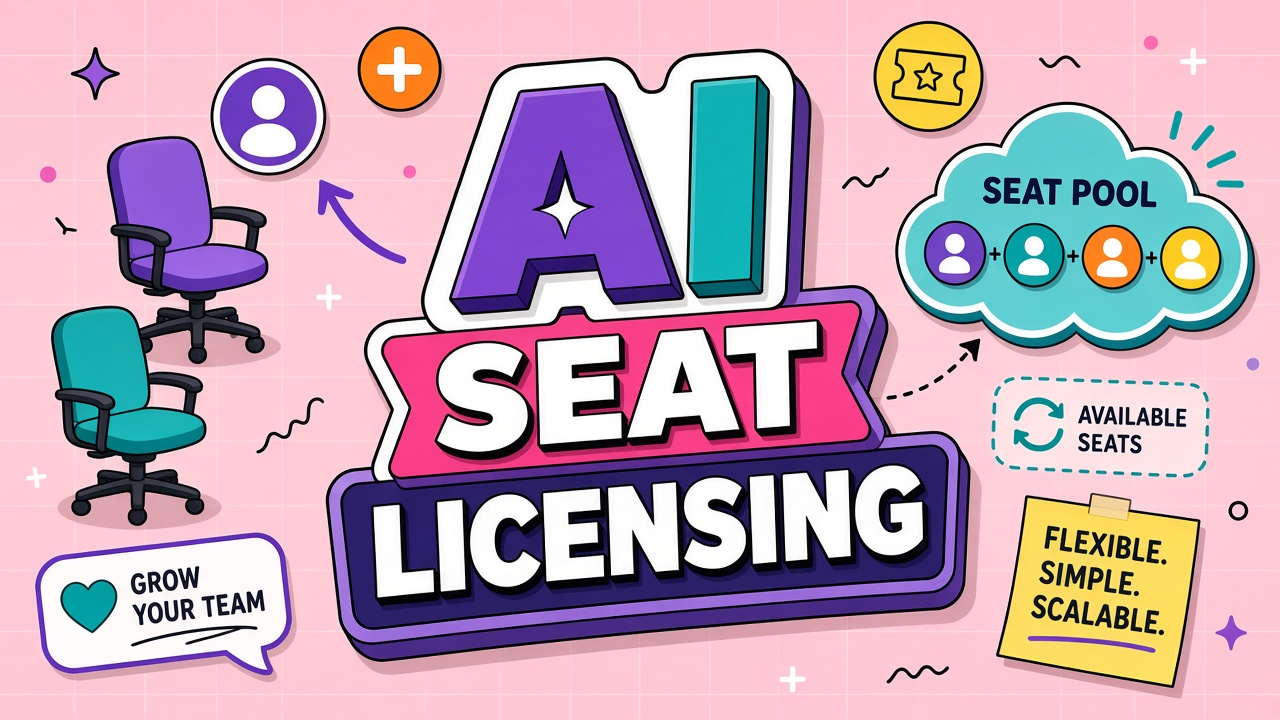
Per-seat licensing bills every named user with access, whether they log in or not. Concurrent licensing bills peak simultaneous sessions up to a pool limit. Usage licensing bills actions, tokens, or credits regardless of seat count. Hybrids combine a base seat fee with metered overage.
| Model | How billing works | Best team fit |
|---|---|---|
| Per-seat (named user) | One license per person provisioned | Stable daily users, SSO-managed roster |
| Concurrent / floating | Cap on simultaneous active sessions | Shift work, large org with part-time use |
| Usage-based | Pay for generations, tokens, or minutes | Bursty creative teams, API-heavy workflows |
| Hybrid | Base seat plus included usage pool | Teams needing admin controls and variable load |
Role-Based Pricing in AI Suites
Suite vendors sometimes price by role: creator, editor, viewer, admin. A viewer seat costs less but cannot run generations. An admin seat costs more but may not consume creative quota. Mis-provisioning creator seats to managers who only approve drafts wastes budget.
Map job functions to license types before purchase. Automate provisioning rules in SSO groups so new hires land on the correct SKU. Review role mix quarterly; promotions and org changes drift allocations fast.
True-Up and Overage on Seat Counts
Enterprise contracts often true-up seat counts quarterly against peak provisioned users. Adding contractors for a launch week can trigger true-up bills if those accounts stay provisioned through the measurement window. Some vendors charge overage per seat above committed minimum with list pricing, not contract pricing.
Track provisioned vs active seats weekly during rollout. Deprovision leavers the same day HR offboards them. Use time-bound guest accounts where the product supports them.
Shared Accounts, Risks, and Policy
Shared logins violate most vendor terms and break audit trails. Teams share one "team@" login because seat math feels tight. You lose per-user history, MFA binding, and compliance defensibility. If discovered during renewal, vendors may force true-up at retroactive rates.
Publish a clear policy: one human, one seat, no credential sharing. If cost is the issue, negotiate concurrent licensing or reduce creator seats rather than circumvent licensing.
Right-Sizing Seats From Usage Data
Right-sizing starts with weekly active users and generation volume, not employee census. Export admin analytics for thirty days of pilot: distinct logins, generations per user, and idle provisioned accounts. Compare peak concurrent sessions if evaluating floating seats.
- Measure weekly active users at steady state, not launch week hype.
- Identify zero-usage provisioned seats and remove them before true-up.
- Separate heavy generators from occasional askers; consider role tiers.
- Model contractor spikes with temporary seats or usage packs.
- Reconcile SSO group membership with vendor seat list monthly.
Floating seat AI software in practice
Floating seat AI software works like a license pool at a gym: you buy ten concurrent slots for fifty possible employees who use the tool a few times weekly. Peak concurrent sessions during Monday standup prep matter more than total headcount. Monitor concurrency in pilot week three before committing to pool size. Per seat AI pricing is simpler administratively but wastes budget when half the roster generates zero monthly usage.
Frequently Asked Questions
How should we license contractors and seasonal workers?
Use guest or contractor SKUs with end dates where available. Prefer concurrent pools if many part-time users never overlap. Document offboarding in the same ticket that removes tool access.
Can we recycle seats when someone leaves?
Most per-seat contracts allow reassignment within the purchased count. True-up minimums still apply if total provisioned users exceed commitment. Confirm with the vendor whether recycled seats require a waiting period or admin action.
When is floating seat licensing cheaper?
Floating wins when many people need occasional access but few use the tool at the same time. Named seats win when most licensed users work daily in the product. Run a two-week concurrent peak measurement during pilot to decide.
The Bottom Line
AI seat licensing models determine whether you pay for people, simultaneous sessions, or usage. Per-seat fits steady daily adoption; concurrent fits shift and occasional access; usage fits bursty generation. Avoid shared accounts, watch true-ups, and right-size from analytics before renewal. Compare team licensing on EliteAI.tools productivity and writing categories with your headcount model in hand.