Smart Prompter
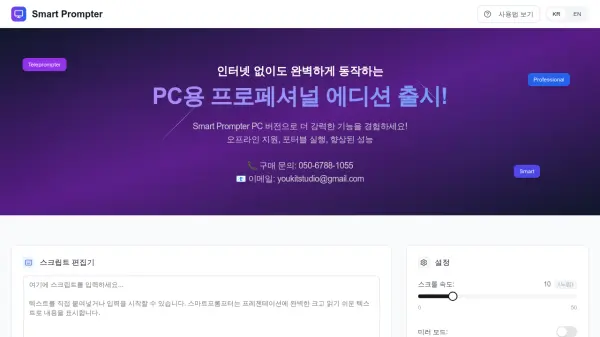
Professional teleprompter software with offline functionality and enhanced performance.

What is Smart Prompter?

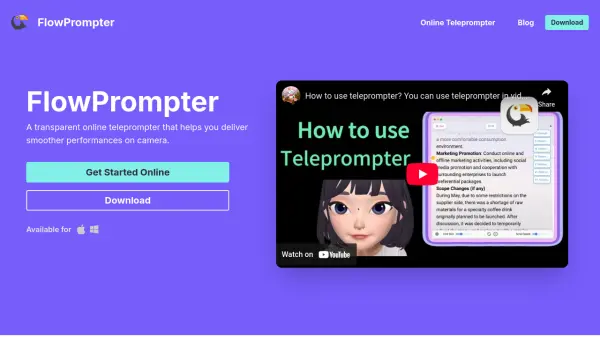
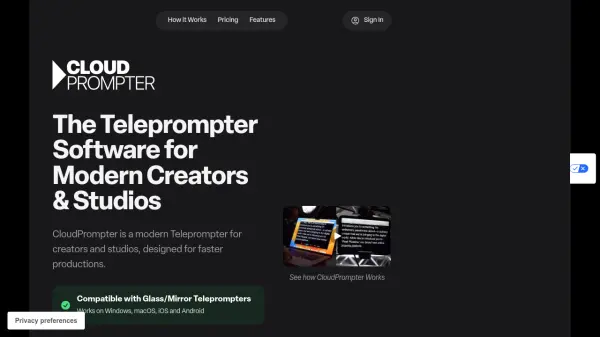
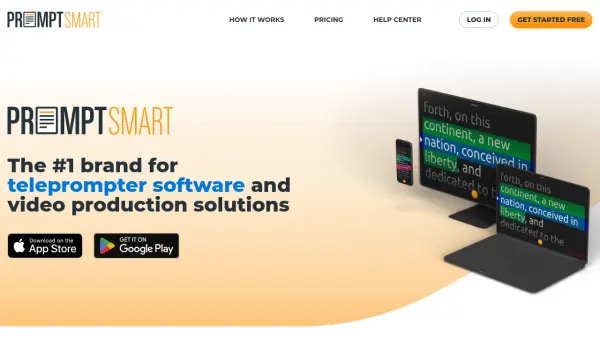
Smart Prompter provides a professional teleprompter solution designed for offline use, ensuring reliability without internet dependency. It includes a script editor, file upload capabilities for .txt files, and supports execution on PC dual monitors or mobile devices.

The tool offers extensive customization options such as scroll speed adjustment, mirror mode, text alignment, background and text color selection, font settings, and line spacing. These features enable users to tailor the display to their specific needs, enhancing presentation delivery and readability.

Features

  • Offline Operation: Functions without internet access for reliable use
  • Script Editor: Edit and manage scripts directly within the tool
  • File Upload: Supports .txt file uploads for easy script loading
  • Dual-Monitor Support: Run on PC with dual monitors for enhanced viewing
  • Mobile Device Execution: Compatible with mobile devices for flexibility
  • Customizable Display: Adjust scroll speed, text alignment, colors, fonts, and spacing

Use Cases

  • Delivering presentations without internet access
  • Practicing speeches with a customizable teleprompter
  • Recording videos with script assistance on mobile devices
  • Conducting live events using dual-monitor setups
  • Editing and managing scripts for professional use

Related Tools:

Blogs:

  • Chat with PDF AI Tools

    Chat with PDF AI Tools

    Easily interact with your PDF documents using our advanced AI-powered tool. Whether you're reading lengthy reports, research papers, contracts, or eBooks, our platform lets you chat directly with your PDF files, ask questions, extract insights, and get summaries in real-time.

  • Top 6 AI note-taking tools for 2026: in-person, online, and hybrid use cases

    Top 6 AI note-taking tools for 2026: in-person, online, and hybrid use cases

    Most AI note-taking lists are really lists of meeting bots, which join your video call and transcribe it. That's useful, but it's half the picture. Decisions happen in hallway conversations, client dinners, on-site visits, and hybrid rooms where nobody is on a video link. This guide covers different parts of the note-taking workflow: hardware capture for in-person settings, platform-native tools for online calls, and AI layers for organizing and synthesizing what you've captured. It compares six tools by capture context, workflow fit, pricing, and limitations.

  • Best AI tools for trip planning

    Best AI tools for trip planning

    These tools analyze user preferences, budget constraints, and destination details to provide personalized itineraries, suggest optimal routes, recommend accommodations, and even offer real-time updates on weather and local events.

Didn't find tool you were looking for?

Be as detailed as possible for better results