What is CloudPrompter?
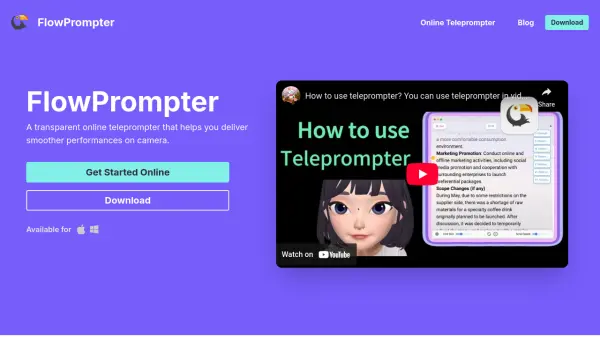
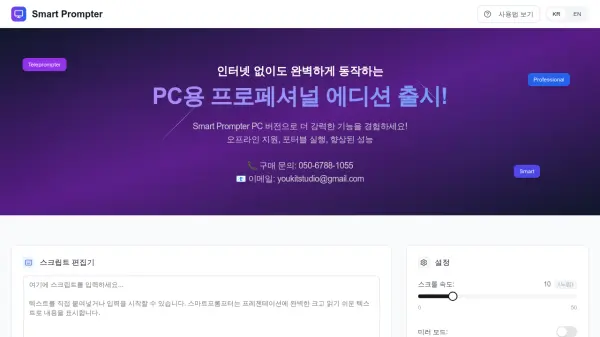
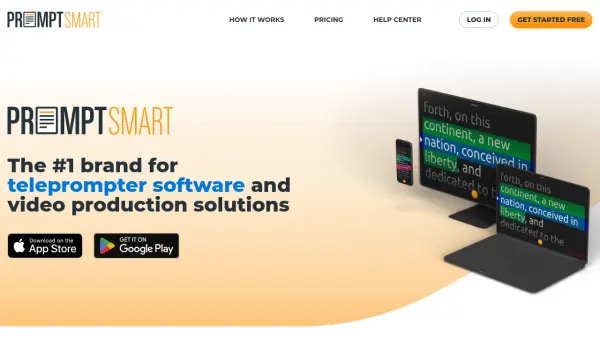
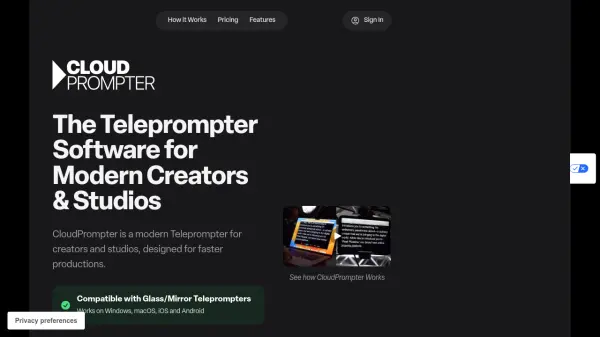
CloudPrompter serves as a professional teleprompter accessible directly through web browsers, eliminating the need for expensive legacy software. It functions as a trusted companion for notes, lines, scripts, and prompts, enabling users to speak with confidence during live streams, presentations, and important calls.
The software offers a versatile solution for any production workflow, featuring transparency mode for video calls and live streaming, remote control capabilities, and compatibility with studio teleprompter hardware. It supports multiple languages and scripts, works on any modern computer, tablet, or smartphone, and includes ongoing updates and support.
Features
- Cross-Platform Compatibility: Works on Windows, macOS, iOS, and Android devices
- Transparency Mode: Allows video call apps like Zoom or Teams to be used in the background
- Remote Control: Enables control via cloud broadcast, keyboard shortcuts, or gaming controllers
- Multi-Device Support: No limit to the number of devices you can sign in to
- Studio Hardware Compatibility: Fully compatible with glass or mirror type teleprompter hardware
Use Cases
- Live streaming with confidence using scripts and prompts
- Delivering presentations without memorizing content
- Conducting important video calls with prepared notes
- Enhancing production workflows in studios and broadcast settings
- Using teleprompter functionality in educational or training sessions
FAQs
-
What browsers are compatible with CloudPrompter?
Any modern web browser is compatible with CloudPrompter, with Safari or Chrome recommended. -
How does the Transparency Mode work?
The Transparency feature allows you to select any window or desktop on your computer to be shown as the background in CloudPrompter, enabling you to see content behind the teleprompter text. -
Can I use CloudPrompter with professional video teleprompter hardware?
Yes, CloudPrompter has options to mirror/reverse the teleprompter text for full compatibility with any glass or mirror type teleprompter hardware. -
Is there a limit to the number of devices I can use CloudPrompter on?
No, there is no limit to the number of different devices you can sign in to. -
Does CloudPrompter support different languages?
Yes, the text used in your script is shown as-is, making it compatible with almost any language.