What is EasySpeak?
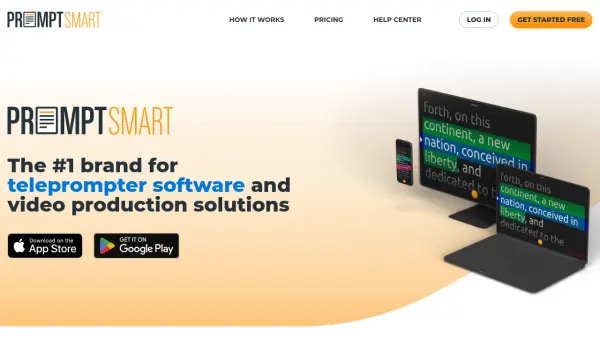
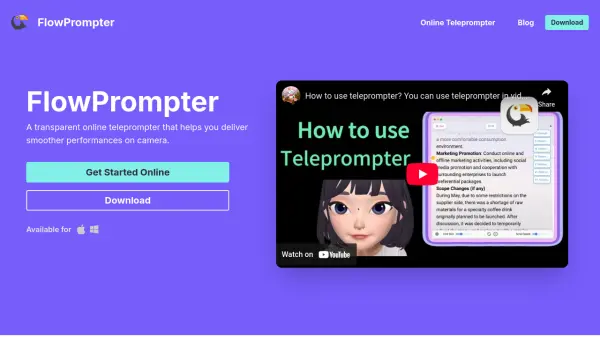
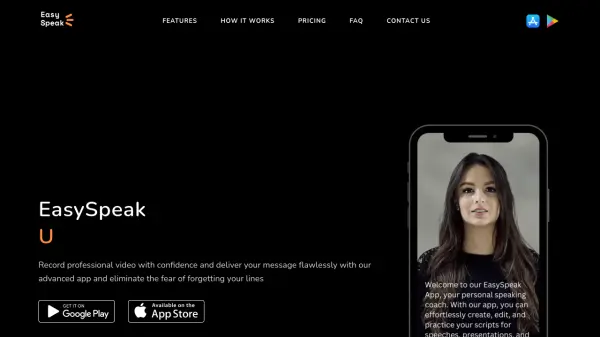
EasySpeak revolutionizes video content creation by combining teleprompter functionality with AI-powered scriptwriting capabilities. The app enables users to deliver polished, professional presentations by displaying scrolling text while maintaining natural eye contact with the camera.
The platform offers customizable features including adjustable text size and speech scrolling speed for perfect synchronization. With its AI scriptwriting assistance, users can overcome creative blocks and generate engaging content, while the seamless export and sharing capabilities ensure content can be distributed across any platform or device.
Features
- Teleprompter Display: Real-time scrolling text with adjustable speed
- AI Script Generator: Create engaging content with AI assistance
- Customizable Text Display: Adjustable text size for various environments
- Video Export: High-quality video export with customizable resolution
- Cross-platform Sharing: Share videos across any device or platform
- Offline Support: Export and share videos without internet connection
Use Cases
- Professional presentations
- Video content creation
- Public speaking preparation
- Corporate communications
- Educational lectures
- Social media content recording
- Sales pitches
- Training videos
FAQs
-
What is easy speak and how does it work?
Easy Speak is a teleprompter app that displays scrolling text on a screen in front of a speaker, allowing them to read a script while maintaining eye contact with the audience to capture a perfect shot without any lacking in the speech -
Is Easy Speak compatible with my device?
Our app is compatible with most devices like smartphones and tablets, and computers. It can be used on both iOS and Android platforms. -
What can I use Script Credits for?
Each Script Credit allows you to generate one unique AI-powered script. There are no limitations on how you use them, whether for personal or professional presentations.