What is SlideShare Downloader?
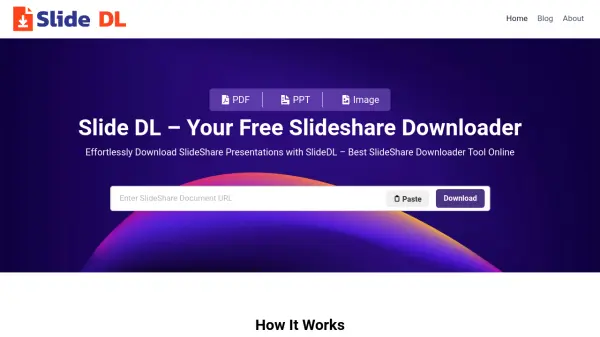
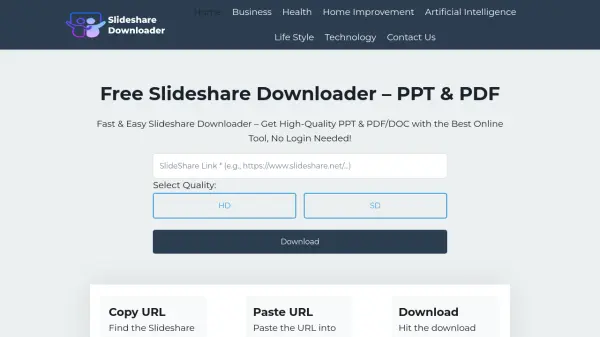
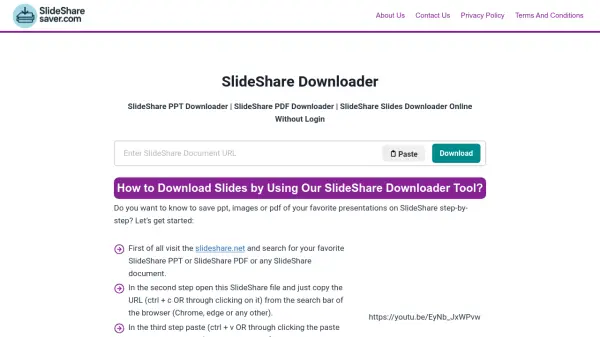
SlideShare Downloader provides a straightforward solution for accessing SlideShare content offline by allowing users to download presentations in various formats. The tool extracts content directly from SlideShare's servers, enabling downloads of PPT, PDF, and individual slide files without requiring users to create accounts or subscribe to premium services.
This web-based tool maintains high-quality output while offering features like selective slide downloading, watermark-free files, and compatibility across all devices. It bypasses SlideShare's download restrictions, making previously inaccessible content available for educational and professional use without cost or registration requirements.
Features
- Easy to Use: Simple paste-and-download interface requiring only two clicks
- Free & Unlimited Access: No cost or download limits for all users
- Multiple Format Support: Download presentations as PPT, PDF, or individual slides
- No Registration Required: Completely anonymous usage without login or sign-up
- Selective Downloading: Choose specific slides to download while excluding others
- Watermark-Free Files: Output files without any embedded watermarks
- Device Compatibility: Works on all devices including Android, iOS, and PC
- High Quality Output: Maintains highest resolution and HD quality files
- Secure Processing: Virus-free files with privacy protection
- Online Preview: View slides before downloading through built-in preview feature
Use Cases
- Downloading educational presentations for offline study
- Accessing professional presentations for business research
- Creating reference materials from SlideShare content
- Converting SlideShare presentations to different formats
- Selectively downloading specific slides from presentations
- Accessing premium SlideShare content without subscription
- Building presentation libraries for academic purposes
- Extracting visual content from SlideShare for reuse
FAQs
-
How does the SlideShare Downloader tool work?
The tool works by extracting content from SlideShare's servers when users paste a SlideShare URL, then converts and delivers the presentation in the requested format without requiring any user registration. -
Is there any limit to how many presentations I can download?
No, the tool offers unlimited downloads without any restrictions on the number of presentations or files users can access. -
What quality are the downloaded files?
Files are downloaded in the highest available resolution and HD quality as maintained by SlideShare's original content. -
Can I use this tool on mobile devices?
Yes, the tool is fully compatible with all devices including Android and iOS mobile devices, as well as desktop computers. -
Are the downloaded files safe from viruses?
Yes, all files generated by the tool are virus-free and secure, as they are extracted directly from SlideShare's official servers.