
What is SimplyBudget AI?
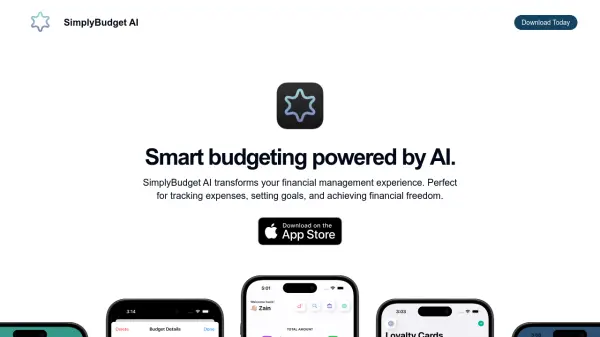
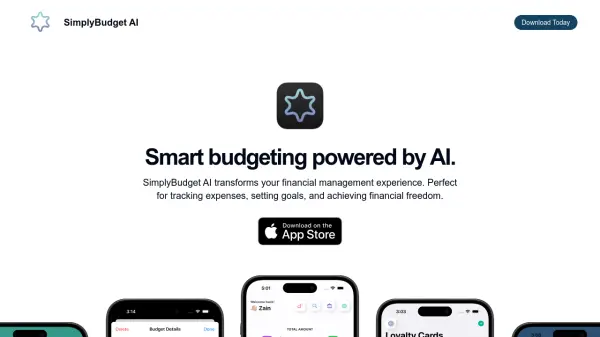
SimplyBudget AI is a financial management application designed to simplify budgeting and expense tracking. It leverages artificial intelligence to enhance the user experience, providing features such as automated transaction logo assignment and detailed budget breakdowns.
The application offers a user-friendly interface and focuses on helping users achieve their financial goals, with added support of bills management. Future updates will include bank account linking via Plaid for seamless transaction syncing, further streamlining personal finance management.
Features
- AI-Driven Logo Attachment: Automatically attaches relevant logos to transactions using AI.
- Real-Time Expense Insights: Provides up-to-date insights on spending.
- Bank Account Linking (Coming Soon): Enables linking a bank account for transaction syncing.
- Bills Management: Allows users to create bills, set due dates, and receive reminders.
- Loyalty Cards Management: Helps users create, store, and organize loyalty cards.
- Privacy-First Features: Ensures data privacy and security with encryption.
Use Cases
- Tracking personal expenses and income.
- Creating and managing budgets.
- Setting financial goals.
- Managing and organizing loyalty cards.
- Tracking and receiving reminders for bills.
FAQs
-
What is SimplyBudget?
The content does not provide a specific answer to this question, redirects the user to a different question. -
How can SimplyBudget help me manage my finances?
The content does not provide a specific answer, It is suggested to ask more specific questions about the features. -
What features are available for free and premium users?
Free users get AI-Powered Logo Integration, up to 30 transactions monthly, budget tracking/creation, and access to Bills and Loyalty Cards pages. Premium users get unlimited transactions and all free features. -
How does AI work within SimplyBudget?
The AI analyzes transactions and recommends personalized logos to be attached to each transaction. -
Can I try SimplyBudget for free?
Yes, there is a free plan with limited features.