
What is Sheet2DB?
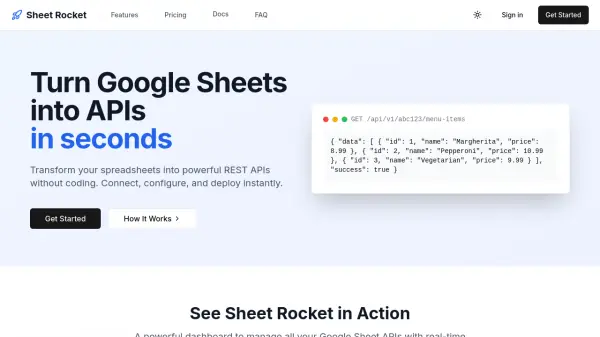
Sheet2DB is a powerful SaaS platform that revolutionizes data management by transforming Google Sheets into a fully functional database with REST API capabilities. The tool provides an intuitive interface for converting spreadsheet data into JSON format, allowing users to access and manipulate their data programmatically through standard HTTP methods.
The platform offers secure and reliable integration with Google Sheets, featuring robust authentication mechanisms, custom permissions for data access control, and smart caching to optimize API response times. Users can dynamically create and delete sheets within their spreadsheets, maintain private sheets for enhanced security, and customize data formatting using Handlebars snippets to meet specific display requirements.
Features
- Handlebars Snippets: Easily create and customize Handlebars snippets to format and display data
- Custom Permissions: Control access to data with custom permissions for enhanced security and privacy
- Authentication: Secure API with robust authentication mechanisms to protect against unauthorized access
- Smart Caching: Optimize data retrieval with smart caching to reduce latency and improve response times
- Dynamic Sheet Management: Create and delete sheets (tabs) in Google Sheets for dynamic data organization
- Private Sheets: Maintain data privacy by keeping Google Sheets private and secure
Use Cases
- Converting Google Sheets data into JSON format for web applications
- Creating REST APIs from spreadsheet data for mobile app backends
- Managing product catalogs or inventory data stored in Google Sheets
- Building internal tools that require real-time access to spreadsheet data
- Developing prototypes that need quick database setup without complex infrastructure
- Automating data workflows between Google Sheets and other systems
FAQs
-
What happens if I surpass the quota limit?
The pricing page mentions quota limits but doesn't specify consequences for exceeding them. Users should contact support for details about quota management. -
When do the limits reset?
The pricing page doesn't specify when limits reset. This information would typically be available in account settings or documentation. -
Does the number of rows in my spreadsheet affect the requests quota?
The pricing page doesn't clarify if spreadsheet row count impacts request quotas. This would be an important consideration for users with large datasets. -
What exactly is rate limiting?
The pricing page mentions rate limiting but doesn't explain what it entails. Rate limiting typically controls how many API requests can be made within a specific time period. -
How can I upgrade or downgrade my plan?
The pricing page doesn't provide details on plan changes. Users would typically manage subscriptions through their account dashboard or by contacting support.