What is ScreenStyler?
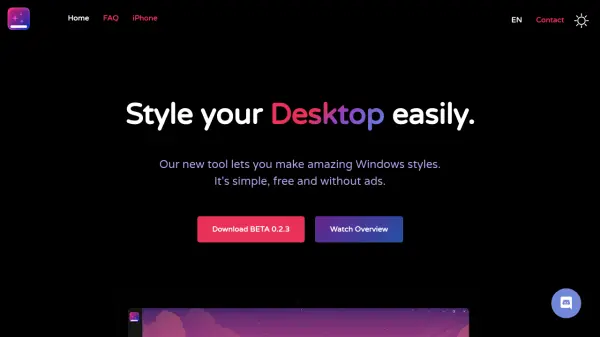
ScreenStyler is a desktop customization tool designed to make Windows styling accessible to everyone, not just technical users. It provides a fully visual interface where users can see exactly what they're getting, eliminating the need for complex app installations or system tweaks. The tool offers premade templates, wallpaper filters, day/night modes, and Rocket Dock integration to transform desktop appearance effortlessly.
Users can share their created styles with others through the Compact Styling Interchange Format, fostering a community of customization enthusiasts. ScreenStyler is lightweight, easy to use, and completely free without ads, making it a safe and effective solution for personalizing desktops. Future updates promise expanded features like icon libraries, macOS compatibility, and styling for apps like Spotify and Discord.
Features
- Visual Interface: See what you get with a fully visual editing experience
- Premade Templates: Use ready-made styles for quick desktop customization
- Wallpaper Filters: Apply filters to wallpapers for enhanced visual effects
- Day/Night Modes: Switch between light and dark themes for different times
- Rocket Dock Integration: Customize dock appearance and functionality
- Compact Styling Interchange Format: Share and exchange styles with other users
- Multi-language Support: Available in multiple languages for broader accessibility
- Performance Check: Monitor system performance impact of applied styles
Use Cases
- Personalizing Windows desktop appearance without technical knowledge
- Sharing custom desktop styles with friends or online communities
- Quickly applying themed designs for holidays or events
- Experimenting with different visual layouts to improve productivity
- Creating consistent branding across multiple devices with custom styles