What is SkinPack?
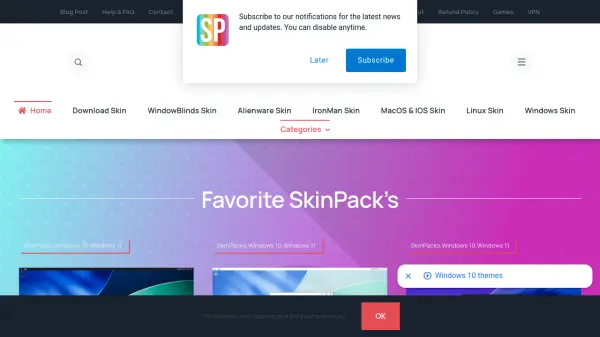
SkinPack provides a vast library of themes, skins, and customization packs for Windows operating systems, especially Windows 10 and 11. Users can transform their desktop experience with designs inspired by macOS, iOS, Alienware, gaming franchises, and many other creative styles. The platform offers both free and premium skin packs, along with tools like WindowBlinds, cursor sets, and icon packs. It simplifies the process of personalizing a PC without complex manual tweaking, making it accessible for users who want a fresh look for their system.
Features
- Extensive Theme Library: Thousands of free and premium themes for Windows 10 and 11.
- Category Filtering: Browse by operating system, style (macOS, iOS, gaming, etc.), or type (WindowBlinds, icons, cursors).
- Premium SkinPacks: Exclusive high-quality designs from Alienware, IronMan, and popular games.
- One-Click Installation: Simplifies applying themes without deep system modifications.
- Regular Updates: New skins and themes added frequently to keep designs current.
Use Cases
- Personalizing Windows desktop with a complete visual makeover.
- Mimicking macOS or iOS appearance on a Windows PC.
- Theming a gaming PC with sci-fi or franchise-inspired skins.
- Customizing UI for developers or designers to create a preferred work environment.
- Refreshing the look of an older Windows version like Windows 7 or 8/8.1.
FAQs
-
Are SkinPacks safe to use?
According to SkinPack, some antivirus software may flag their files as malware, but they claim this is a false positive. Users should download from the official site and review any warnings carefully. -
Can I use SkinPack on Windows 11?
Yes, many skin packs are specifically designed for Windows 10 and 11, and the site has a dedicated category for Windows 11 skins. -
Do I need special software to apply themes?
Some themes require tools like WindowBlinds or UltraUXThemePatcher. SkinPack provides instructions and necessary tools for installation.