What is SaneBox?
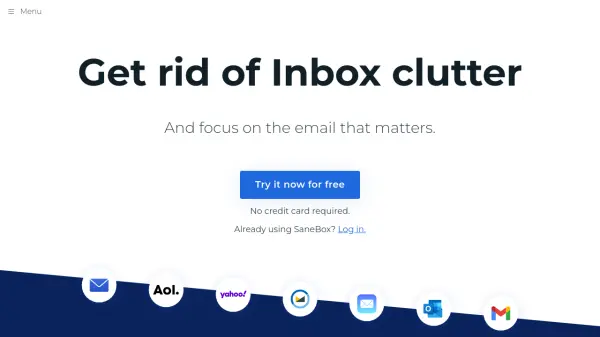
SaneBox is an intelligent email management solution that works seamlessly with all major email services, requiring no downloads or manual setup. The service employs sophisticated algorithms and machine learning to automatically organize incoming emails into different folders based on their importance, helping professionals regain control of their inbox.
With robust security measures including Google verification, independent audits, and continuous testing, SaneBox processes emails while maintaining strict privacy standards. The platform has processed over 10.5 billion emails, saved users approximately 60 million hours, and prevented 7.2 billion interruptions, making it a trusted solution for email management.
Features
- Smart Filtering: Automatically sorts incoming emails based on importance
- BlackHole: Permanently removes unwanted senders from inbox
- Email Snoozing: Postpone emails until a more convenient time
- Daily Digest: Provides summary of unimportant emails
- Follow-up Assistant: Sends reminders for unreplied emails
- Cross-platform Compatibility: Works with all major email services
Use Cases
- Email organization for busy professionals
- Reducing email interruptions during work
- Managing high-volume email accounts
- Achieving inbox zero
- Following up on important communications
- Decluttering promotional emails
FAQs
-
Will SaneBox work with my email setup?
SaneBox works with every major email service including Gmail, Microsoft 365, Apple iCloud, Yahoo! Mail, Fastmail, and any IMAP, Microsoft Exchange or ActiveSync server. -
How secure is SaneBox?
SaneBox undergoes annual Google Restricted Scopes verification, external security audits, and continuous testing through WhiteHat and HackerOne. It only looks at basic email data and never stores full emails or attachments.