What is RemoteSpace?
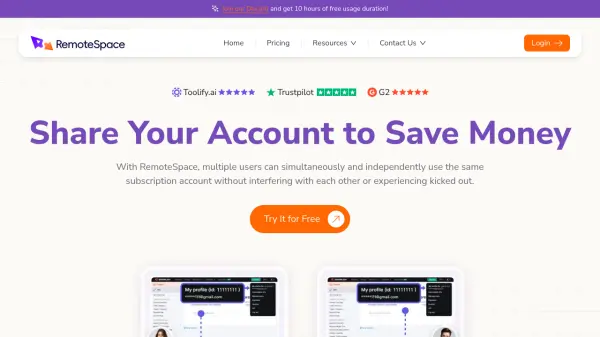
RemoteSpace is a platform designed to facilitate the secure sharing of subscription accounts. It allows multiple users to access and utilize the same account concurrently without compromising security or causing user conflicts.
The service ensures that each user operates within a separate, independent workspace, preventing interference and maintaining individual workflows. RemoteSpace does not require password sharing, enhancing account security, and its built-in stable environments helps to avoid triggering any security alerts.
Features
- One Account, Multiple Users: Share subscription accounts with multiple users simultaneously without sharing passwords.
- Higher Earnings: Share accounts with one link, turning a single account into a source of higher returns.
- Independent Operations: Each user has their own screen, preventing interruptions or conflicts.
- No Device Limitations: Share accounts across multiple devices without security alerts.
- Secure Management: Share accounts without revealing passwords, and set access permissions (future feature).
Use Cases
- Account Lenders can securely rent out accounts.
- Teams can share CRM, marketing, or design tools with independent workspaces.
- Families and friends can share productivity tools and split subscription costs.
FAQs
-
Is it safe to share accounts through RemoteSpace?
Yes, RemoteSpace allows you to share accounts without revealing passwords. -
Which SaaS software can I share through RemoteSpace?
The content does not specify which SaaS software you can share. -
What if I need to modify permissions or stop sharing a shared account?
The content states you will be able to set individual access permissions in the future for better account control. -
Can sharing accounts through RemoteSpace help reduce subscription costs?
Yes, by sharing accounts, you can split costs among multiple users. -
How can RemoteSpace help me manage multiple shared SaaS accounts?
It ensures secure management and sharing of your account, helping you save more money.