What is SingleSpace?
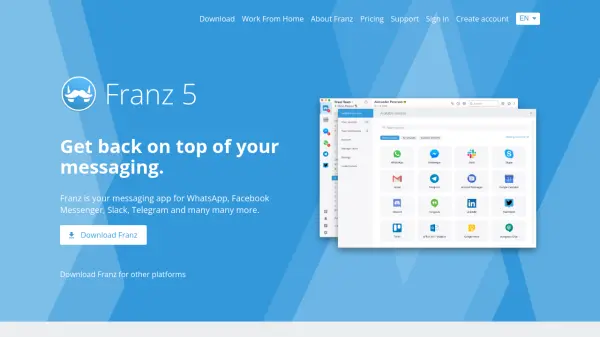
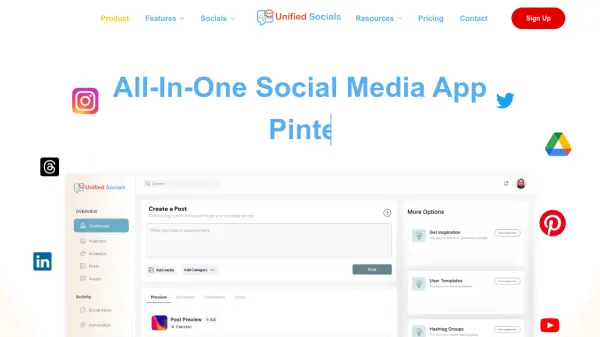
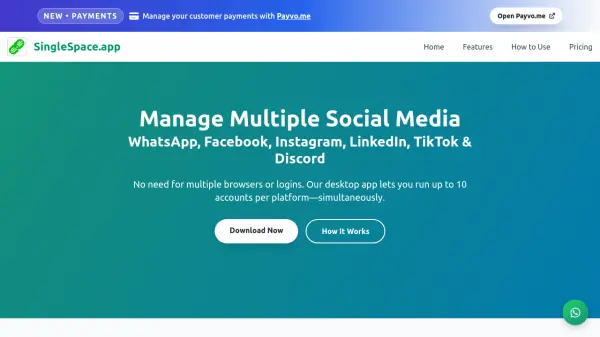
SingleSpace is a desktop application designed to streamline social media management by allowing users to operate multiple accounts across various platforms from a unified dashboard. It supports up to 10 accounts per platform, including WhatsApp, Facebook, Instagram, LinkedIn, TikTok, and Discord, with features like separate sessions, notifications, and end-to-end encryption for enhanced privacy.
The tool simplifies workflow by enabling instant toggling between accounts without requiring logouts, and it offers customizable spaces for easy organization. With transparent pricing plans, SingleSpace caters to individual users, professionals, and businesses seeking efficient multi-account management.
Features
- Multiple Account Management: Run up to 10 accounts per platform simultaneously
- Unified Dashboard: Manage all linked accounts from one interface without logging out
- Privacy and Security: Full privacy with end-to-end encryption for platforms like Instagram
- Customizable Spaces: Label and color-code accounts for easy organization and switching
- Cross-Platform Support: Compatible with WhatsApp, Facebook, Instagram, LinkedIn, TikTok, and Discord
Use Cases
- Managing multiple business and personal social media accounts efficiently
- Streamlining content posting and engagement across various platforms
- Handling customer support or communications through multiple WhatsApp accounts
- Organizing social media activities for marketing agencies or freelancers
- Keeping personal and professional profiles active without switching devices
FAQs
-
How many accounts can I manage per platform with SingleSpace?
SingleSpace allows users to manage up to 10 accounts per platform, including WhatsApp, Facebook, Instagram, LinkedIn, TikTok, and Discord, depending on the subscription plan. -
Does SingleSpace require multiple browsers or logins to switch between accounts?
No, SingleSpace eliminates the need for multiple browsers or logins by providing a unified dashboard where users can toggle between accounts instantly without logging out. -
What platforms does SingleSpace support?
SingleSpace supports WhatsApp, Facebook, Instagram, LinkedIn, TikTok, and Discord, enabling management of accounts across these platforms from one application. -
Is there a free plan available for SingleSpace?
Yes, SingleSpace offers a free plan that includes 2 accounts per platform, 1 PC access, and basic features like notifications and file organization. -
How does SingleSpace ensure privacy for managed accounts?
SingleSpace provides full privacy with features like end-to-end encryption for platforms such as Instagram, ensuring secure management of multiple accounts.