What is PyMacroRecord?
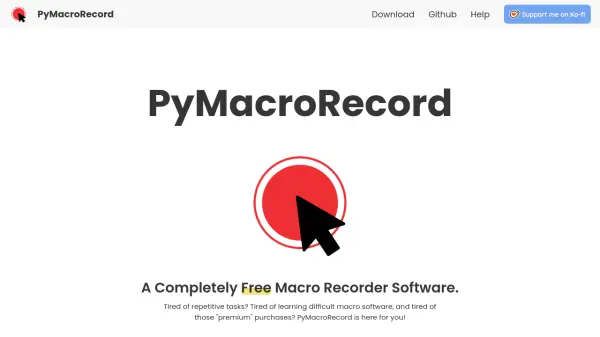
PyMacroRecord is a free and open-source macro recorder software designed to automate repetitive tasks by recording mouse and keyboard actions. It offers a user-friendly interface with simple record and playback buttons, eliminating the need for complex learning curves. The software supports saving, loading, and sharing recordings in JSON format, ensuring universal data compatibility.
Users can customize playback with features like adjustable repetition counts, speed control, intervals, for-loop functionality, and scheduling options. It includes multi-language support for English, French, Italian, Brazilian-Portuguese, and Chinese Simplified, and allows after-playback actions such as shutting down the computer automatically. Developed by LOUDO, it aims to provide a cost-effective alternative to premium macro recorders with no restrictions.
Features
- Easy to Use: Simple record and playback buttons for straightforward automation
- Fluid Record: Records both mouse and keyboard actions seamlessly
- Save, Load and Share: Supports saving, loading, and sharing recordings in universal JSON format
- Repetitions: Allows unlimited repetitions without restrictions
- Speed Control: Adjust playback speed from slow to fast
- Interval Playback: Play recordings at set intervals from 1 second to 1 day
- For Loop: Play recordings for specified durations from 1 second to 24 hours
- Scheduling: Schedule playback at specific times
- Multi-language Support: Available in English, French, Italian, Brazilian-Portuguese, and Chinese Simplified
- After Playback Actions: Automate actions like shutting down the computer after playback
Use Cases
- Automating repetitive data entry tasks
- Streamlining workflow processes in office environments
- Automating gaming actions or sequences
- Scheduling automated computer maintenance tasks
- Creating tutorials or demonstrations with recorded actions