What is Pulseway?
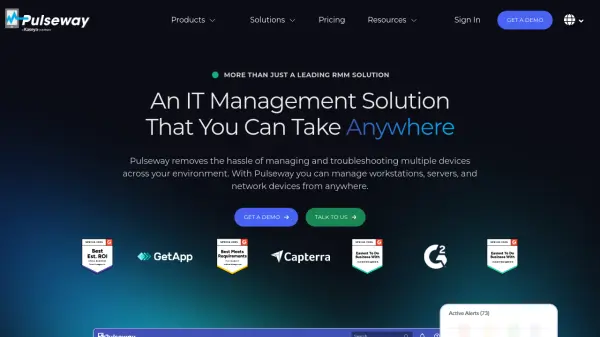
Pulseway provides a unified platform for IT professionals to monitor and manage diverse endpoints including Windows, Mac, and Linux workstations, servers, and network devices. The solution offers real-time alerting capabilities that detect issues proactively, even when administrators are away from the office.
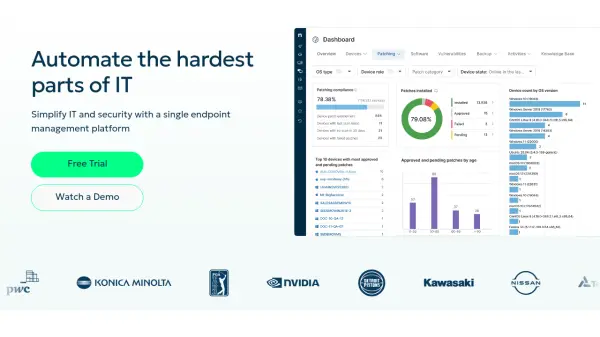
The platform includes remote control functionality with unlimited sessions and multi-screen support, along with automated patch management for operating systems and third-party applications. Pulseway enables scripting and automation to streamline routine IT tasks, freeing up time for higher-priority projects while improving user satisfaction through faster, more reliable IT support.
Features
- Monitoring & Alerting: Real-time monitoring and alerting for Windows, Mac, Linux workstations, servers, and network devices
- Remote Control: Unlimited remote control sessions with multi-screen support for troubleshooting
- Patch Management: Automated patch management for operating systems and over 220 third-party applications
- Scripting & Automation: Scripting capabilities and auto-remediation for automating routine IT tasks
- Mobile Device Management: Centralized management of MacOS, iOS and iPadOS devices through Apple Services integration
Use Cases
- Remote IT infrastructure management for distributed teams
- Proactive monitoring and alerting for servers and workstations
- Automated patch management across multiple operating systems
- Centralized management of mobile devices in enterprise environments
- Streamlining IT support operations through automation and remote control
FAQs
-
How does the pricing structure work?
Pulseway offers flexible pay-as-you-go options with volume discounts, allowing users to only pay for what they use with no long-term commitments. -
What type of endpoints can I monitor?
Pulseway can monitor servers, workstations running Windows, Linux, and Mac operating systems, as well as applications and network devices such as routers, switches, and printers. -
Can I add more endpoints later?
Yes, you can easily add more endpoints to your Pulseway subscription as your needs grow. -
Do I need to buy onboarding services?
There is a required, one-time Advanced Onboarding and Best Practices session available for a fee of €149. -
Can I pay monthly?
Yes, Pulseway offers monthly payment options along with annual and three-year plans for additional savings.