Procrastination Slayer
Boost productivity with AI-powered Pomodoro timer and progress tracking

What is Procrastination Slayer?

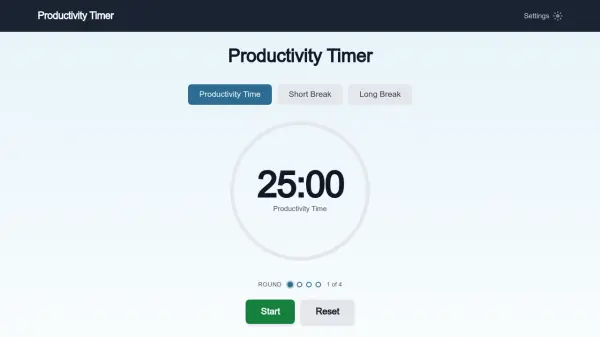
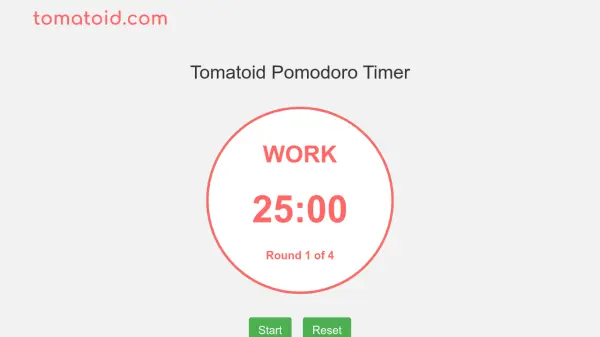
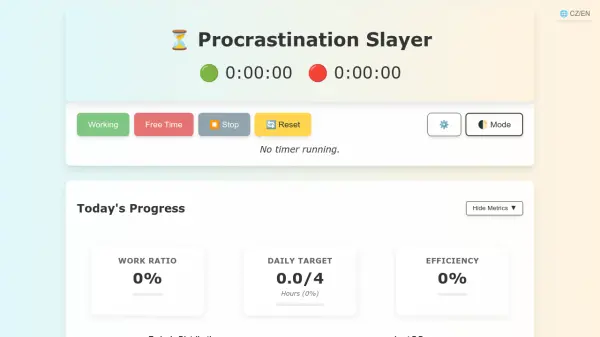
Procrastination Slayer is a productivity application designed to combat procrastination by implementing the Pomodoro technique. It allows users to set work and break intervals, track their daily progress, and monitor efficiency metrics. The tool includes features such as sound notifications, a daily work target in hours, and the ability to hide metrics for a distraction-free experience.

Users can customize their work and break minutes, view their work ratio, and assess productivity as a percentage of a standard 8-hour workday. The interface supports both Czech and English languages, providing flexibility for a diverse user base. It emphasizes starting tasks to achieve goals, with a clean design that includes options to stop, reset timers, and switch between modes.

Features

  • Pomodoro Mode: Implements the Pomodoro technique with customizable work and break minutes for focused productivity
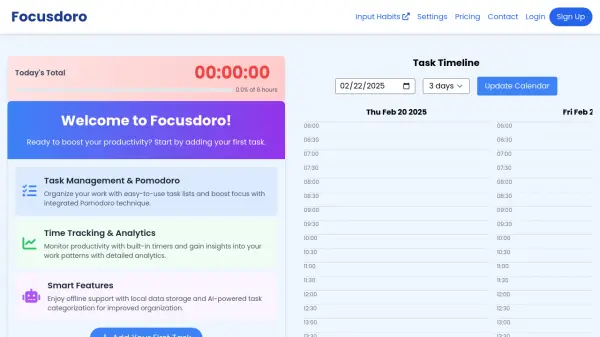
  • Progress Tracking: Displays today's progress, work ratio, and daily target hours with visual metrics
  • Efficiency Metrics: Calculates productivity as a percentage of a standard 8-hour workday to assess performance
  • Customizable Settings: Allows users to set sound notifications, daily work targets, and hide metrics for a tailored experience
  • Multi-language Support: Available in both Czech and English to accommodate diverse users

Use Cases

  • Improving focus during work or study sessions by using timed intervals
  • Tracking daily productivity and meeting work targets efficiently
  • Reducing procrastination through structured time management techniques
  • Monitoring efficiency metrics to optimize work habits over time
  • Creating a distraction-free environment by hiding unnecessary metrics

Related Tools:

Blogs:

  • Best text to speech AI tools

    Best text to speech AI tools

    Text-to-speech (TTS) AI tools are designed to convert written or text-based content into natural-sounding spoken audio. These tools utilize various deep learning and neural network architectures to generate human-like speech from textual input.

  • Best AI tools for Product Photography

    Best AI tools for Product Photography

    Explore top AI tools that can elevate your product photography, helping you enhance images, streamline workflows, and create professional visuals with ease.

  • Best AI tools for Room Design

    Best AI tools for Room Design

    Discover cutting-edge AI tools that redefine the art of room design. From layout optimization to aesthetic finesse, these top-tier tools enhance your space to new heights.

  • Top 6 AI note-taking tools for 2026: in-person, online, and hybrid use cases

    Top 6 AI note-taking tools for 2026: in-person, online, and hybrid use cases

    Most AI note-taking lists are really lists of meeting bots, which join your video call and transcribe it. That's useful, but it's half the picture. Decisions happen in hallway conversations, client dinners, on-site visits, and hybrid rooms where nobody is on a video link. This guide covers different parts of the note-taking workflow: hardware capture for in-person settings, platform-native tools for online calls, and AI layers for organizing and synthesizing what you've captured. It compares six tools by capture context, workflow fit, pricing, and limitations.

Didn't find tool you were looking for?

Be as detailed as possible for better results