What is Starpomo?
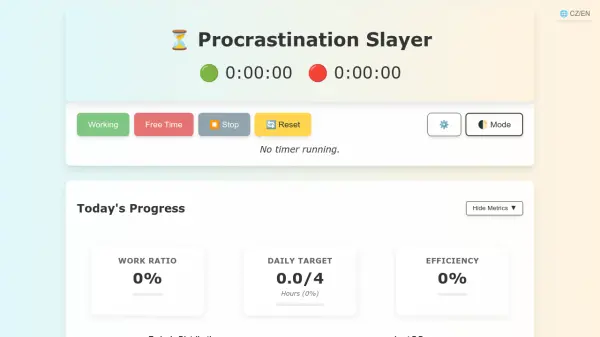
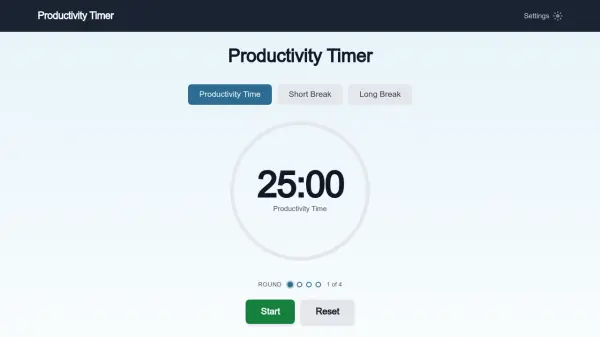
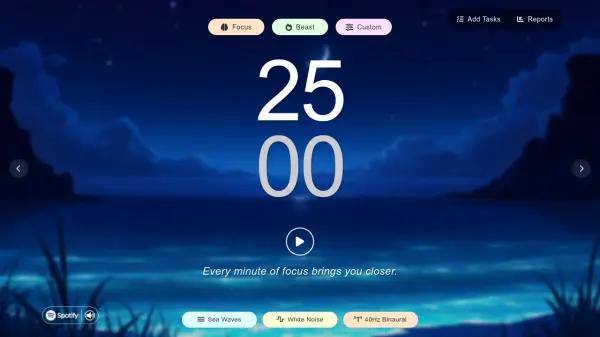
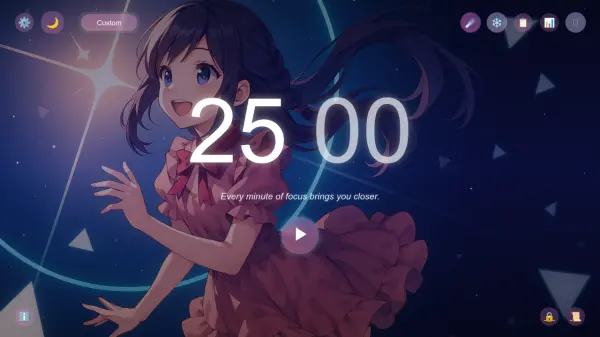
Starpomo is a productivity tool that utilizes the Pomodoro Technique, a time management method that breaks work into focused intervals separated by short breaks. It offers a user-friendly interface with customizable timers for both work and rest periods, allowing users to tailor sessions to their specific needs. The tool includes features such as task management, progress statistics, and customizable alarm sounds and background music to create an optimal focus environment.
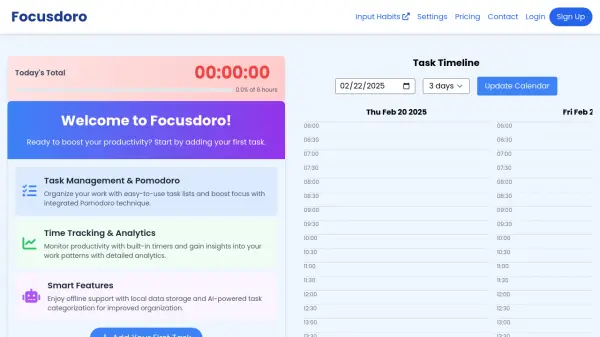
With Starpomo, users can track their daily and weekly progress, add tasks, and monitor completed Pomodoro sessions. The tool aims to improve concentration and efficiency by providing structured time management, making it suitable for students, professionals, and anyone looking to boost productivity. Its intuitive design and flexible settings support a variety of work styles and preferences.
Features
- Custom Timer: Adjustable work and rest intervals to suit individual preferences
- Task Management: Add and track tasks with Pomodoro session counts
- Progress Statistics: Monitor daily and weekly focus time with visual progress tracking
- Alarm Sounds: Multiple sound options for session alerts to enhance focus
- Background Music: Selectable ambient music to create a productive environment
Use Cases
- Managing study sessions with structured breaks to improve retention
- Enhancing work productivity by dividing tasks into focused intervals
- Tracking daily and weekly progress on projects or assignments
- Creating a customized focus environment with personalized sounds and music
- Organizing tasks and monitoring completion rates for better time management
FAQs
-
How do I customize the work and rest intervals in Starpomo?
Use the Custom Timer settings to adjust the Pomodoro and rest minutes using the up and down arrows, then apply the changes. -
Can I track my progress over time with Starpomo?
Yes, access the Statistics section to view today's progress and weekly progress charts for monitoring focus time. -
What types of alarm sounds are available in Starpomo?
Starpomo offers multiple alarm sound options including Digital Alarm, Kitchen Timer, Drums & Piano, Lo-Fi, and Sad Tune. -
Is there background music to help with focus while using Starpomo?
Yes, you can select from background music options such as Acoustic Guitar, Energetic, Instrumental, Lo-Fi, Rain, and Relaxing. -
How do I add and manage tasks in Starpomo?
Click the 'Add Task' button in the Tasks section to input new tasks, and track Pomodoro sessions assigned to each task.