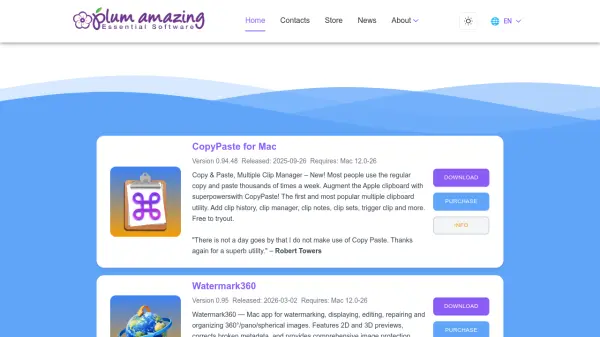


What is Plum Amazing?
Plum Amazing is a software development company with over 30 years of experience creating essential productivity applications for multiple platforms including Mac, Windows, iOS, and Android. The company offers a diverse collection of 15+ apps designed to enhance user productivity across various computing environments.
The applications cover a wide range of functionality including advanced clipboard management with CopyPaste, comprehensive watermarking solutions with iWatermark Pro, sophisticated time management with iClock, automation tools with yKey, and specialized measurement utilities with PixelStick. Each application is developed to address specific productivity needs while maintaining user-friendly interfaces and reliable performance across supported platforms.
Features
- Multi-Platform Support: Applications available for Mac, Windows, iOS, and Android operating systems
- Clipboard Management: Advanced copy and paste functionality with multiple clip history and management features
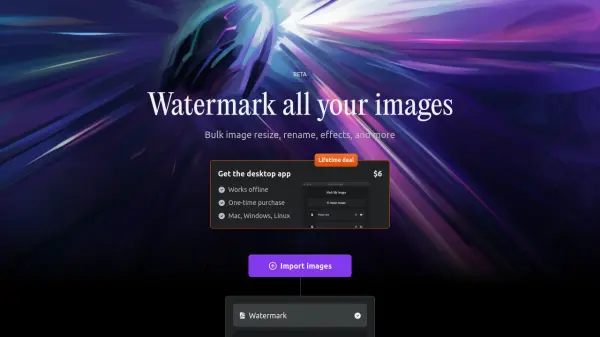
- Watermarking Solutions: Comprehensive tools for adding watermarks to photos and videos across multiple platforms
- Time Management: Sophisticated clock, calendar, timer, and alarm applications with customization options
- Automation Tools: Macro recording and automation capabilities for repetitive computer tasks
Use Cases
- Managing multiple clipboard items for efficient copy-paste workflows
- Protecting digital photos and artwork with visible watermarks
- Automating repetitive computer tasks to save time and reduce strain
- Measuring on-screen elements for design and development work
- Managing network volumes and shares on Mac systems
- Creating and practicing speeches with teleprompter functionality