What is PinterestDownloader Pro?
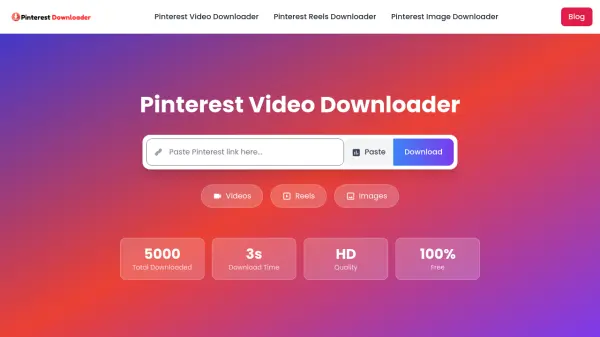
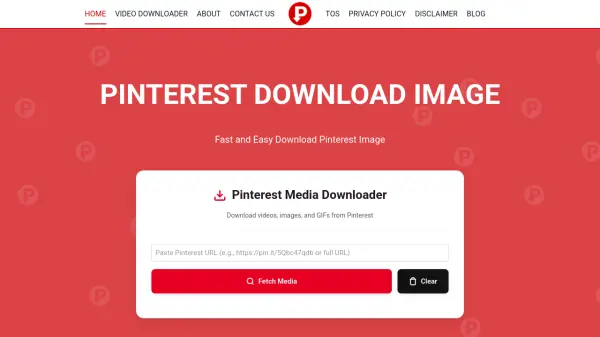
PinterestDownloader Pro is a specialized online tool designed to download various media types from Pinterest, including images, videos, and GIFs. It operates without requiring users to log into Pinterest, offering a straightforward solution for saving Pinterest content directly to devices. The tool fetches media from Pinterest's CDN servers, ensuring users can access and download pins for personal use such as inspiration boards, recipes, or travel ideas.
This tool is particularly useful for individuals who need to save Pinterest content offline for reference, projects, or creative endeavors. It supports high-resolution downloads and provides a simple interface where users can paste Pinterest links to fetch and download media quickly. PinterestDownloader Pro emphasizes that it does not host any copyrighted content and is not affiliated with Pinterest, serving purely as a helper tool for downloading publicly available pins.
Features
- Image Download: Download Pinterest images in high resolution
- Video Download: Save videos from Pinterest pins
- GIF Download: Download GIFs from Pinterest links
- No Login Required: Operate without Pinterest account or login
- High-Quality Media: Fetch and download media in available largest sizes
- Easy Interface: Simple copy-paste process for downloading
Use Cases
- Saving Pinterest images for mood boards or design inspiration
- Downloading recipes or DIY guides for offline cooking reference
- Collecting travel photos for future trip planning
- Saving craft tutorials to try later at home
- Downloading marketing trend research images for projects
- Storing Pinterest GIFs and videos for personal collections
FAQs
-
How do I download images in high resolution?
You can download Pinterest images in high quality from PinterestDownloader.pro by pasting the pin link and selecting the largest available size during download. -
How to download all images from Pinterest on PC?
Pinterest doesn’t allow all images download at once, but you can save multiple images one by one using PinterestDownloader.pro by copying and pasting each pin link individually. -
How to download full size images from Pinterest on Android?
Copy the Pinterest pin link and paste it into PinterestDownloader.pro, then select the largest available size image to download on your Android device. -
Can I Use Pinterest Image Downloader Without Login?
Yes, PinterestDownloader.pro works without any login or account required, allowing you to download media directly.