What is InstaDownloader?
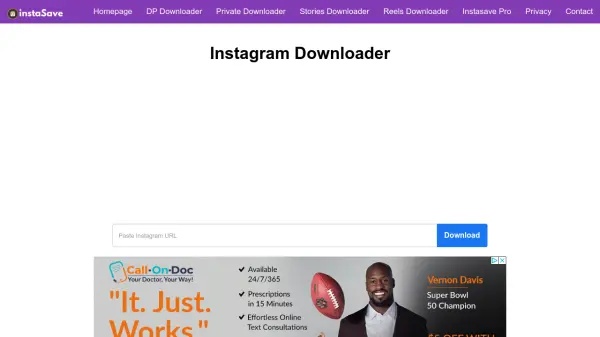
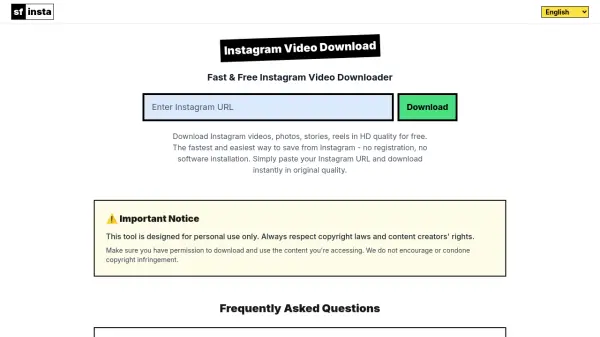
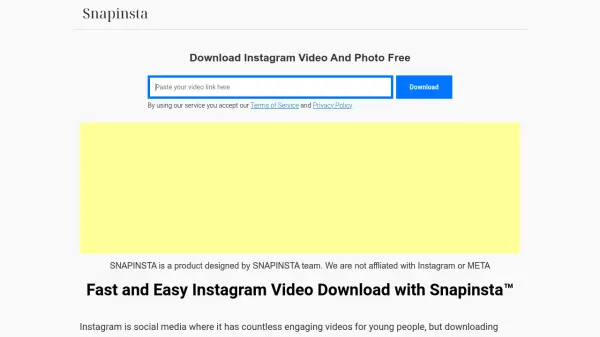
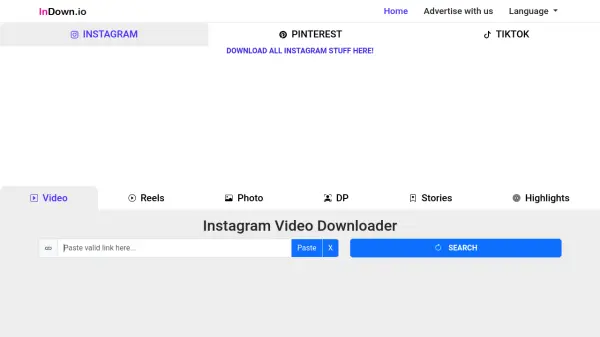
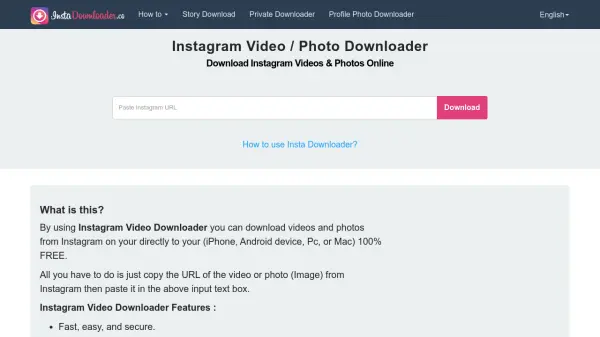
InstaDownloader simplifies the process of saving Instagram content to your device. It supports downloading videos, photos, reels, and profile pictures from both public and private accounts, all without requiring you to log into Instagram. The service is completely free and offers unlimited downloads.
To use the tool, simply copy the URL of the Instagram post, paste it into the input box on the website, and click the download button. Downloads are fast, secure, and maintain the original resolution and quality of the media. Step-by-step guides are available for both iPhone and Android devices.
Features
- Fast and Easy Download: Download Instagram videos and photos with a single click after pasting the URL.
- No Login Required: The service works without needing to sign in to any Instagram account.
- Original Quality: Downloaded media retains its original resolution and quality.
- Private Account Support: Ability to download videos and photos from private Instagram accounts.
- Reels Download Supported: Supports downloading Instagram Reels videos.
Use Cases
- Download Instagram videos for offline viewing.
- Save Instagram photos to your device for personal use.
- Download Instagram Reels to watch without internet.
- Save profile pictures from Instagram accounts.
- Backup your own Instagram media content.
FAQs
-
Why is the video playing instead of downloading?
Try right-clicking on the video and select 'Save as...' to choose a download location instead of left-clicking. -
Does this service download YouTube videos?
No, YouTube is not supported due to policy reasons. -
Can I save Instagram live videos?
You cannot save live videos while streaming, but you can download them after they finish. -
Are there any fees for this service?
The service is completely free with no download limits. -
Where are my videos saved after download?
Videos are usually saved in the 'Downloads' folder, but you can use the 'Save As' option to change the location.