What is Picosmos Tools?
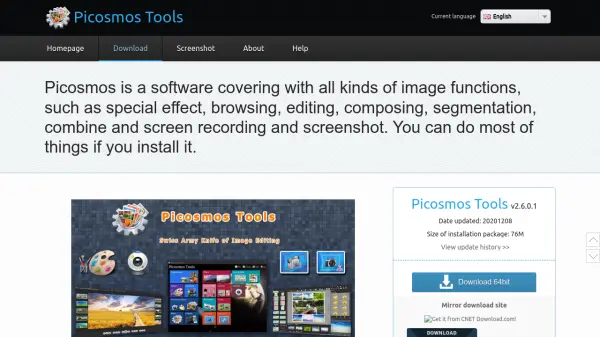
Picosmos Tools offers a comprehensive solution for all your image-related needs. It integrates various functionalities, encompassing image browsing, advanced editing, special effects application, sophisticated page design, image combining, and effective batch processing capabilities.
Furthermore, the software includes robust tools for cutout, animation production, photo erasing, screen recording, and screen capture with OCR functionality. Portrait beautifying tools with intelligent facial recognition also are available to improve your photos.
Features
- Image browsing: Professional-grade image viewing with 'Picosmos Shows'.
- Editor: Perform complex image manipulations and operations.
- Adding special effects: Enhance images with special effects and photo frames.
- Page Design: Create posters and covers by combining images with preview layout tools.
- Combine: Merge multiple images based on defined rules.
- Batch processing: Optimize, watermark, rotate, and manage multiple images simultaneously.
- Cutout: Quickly and easily separate image backgrounds.
- Animation production: Create SWF files, such as GIF and WebM, for online use.
- Erase: Remove unwanted elements from photos, preserving key details.
- Screen Recording: Capture full or partial desktop activity and save as AVI files.
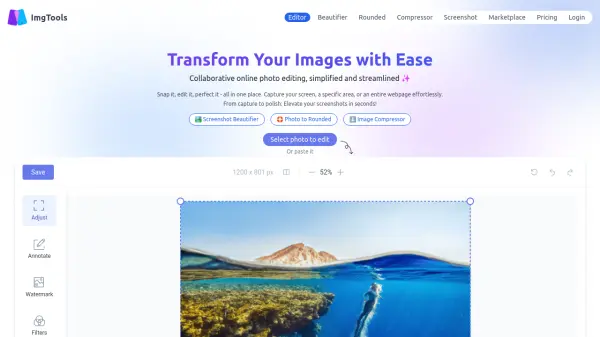
- Screen Capture: Annotate screenshots with arrows, lines, and icons; utilize OCR for text extraction.
- Portrait Beautifying: Intelligent facial recognition for skin whitening, eye enlarging, lip gloss, hair coloring, and more.
Use Cases
- Creating marketing materials like posters and social media graphics.
- Editing and enhancing personal photographs.
- Producing online content with animated GIFs and WebM files.
- Recording tutorials and demonstrations through screen recording.
- Capturing and annotating screenshots for documentation or presentations.
- Batch processing large quantities of images for optimization or watermarking.
- Removing backgrounds from product images for e-commerce.