PDF2Quiz favicon

PDF2Quiz
AI-Powered Quiz Generation from PDF

What is PDF2Quiz?

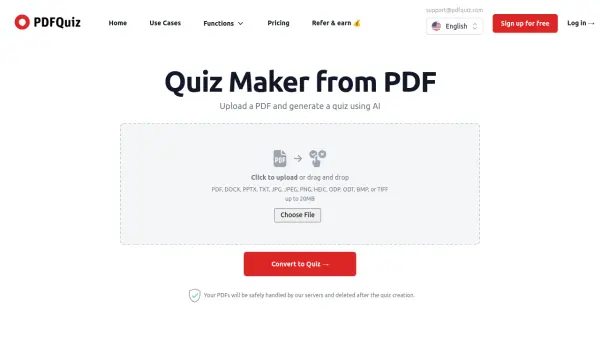
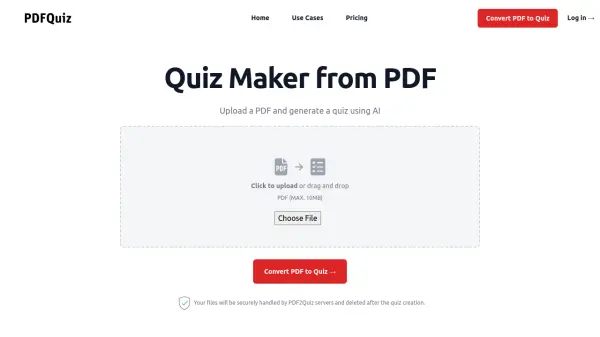
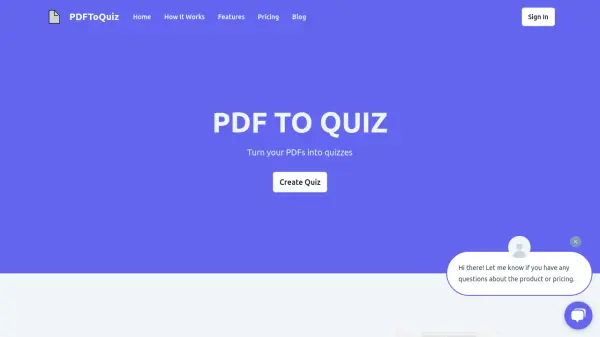
PDF2Quiz allows users to create quizzes from PDF documents. By leveraging AI, the platform offers a streamlined process for generating multiple-choice questions and interactive quizzes. Users can upload a PDF, set parameters such as the number of questions, language, and difficulty, and convert the document into a quiz format. The created quiz is shareable and enables users to assess their knowledge.

Optical Character Recognition (OCR) allows PDF2Quiz to handle PDFs containing non-selectable text, broadening its utility. Quizzes and answers are reviewable and downloadable for offline access.

Features

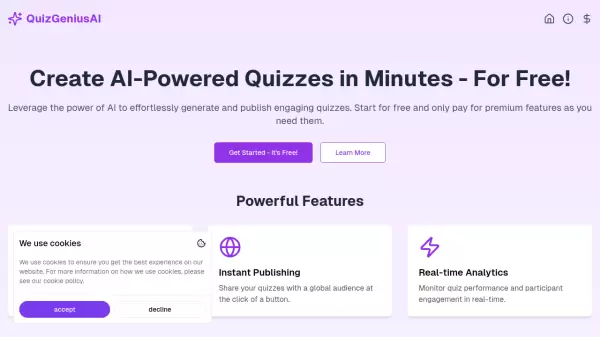
  • AI-Powered Quiz Generation: Upload a PDF and generate a quiz using AI.
  • Multilingual Quiz Conversion: Transform PDFs into quizzes in various languages.
  • OCR - Optical Character Recognition: Utilize visual recognition to create interactive quizzes from PDFs with non-selectable text.
  • Download Quiz and Answers: Save the quiz and answers as a PDF for offline use.
  • Review Your Scores and Answers: Accelerate learning by reviewing mistakes and correct answers.

Use Cases

  • Knowledge assessment for students.
  • Creating quizzes for training and development.
  • Generating tests for teachers.
  • Interactive study material creation.
Related Tools:

Blogs:

  • AI tools for video voice overs

    AI tools for video voice overs

    Discover the next level of video production with AI-powered voiceover tools. Enhance your content effortlessly, ensuring professional-quality narration for your videos.

  • Best AI tools for Room Design

    Best AI tools for Room Design

    Discover cutting-edge AI tools that redefine the art of room design. From layout optimization to aesthetic finesse, these top-tier tools enhance your space to new heights.

  • Top 6 AI note-taking tools for 2026: in-person, online, and hybrid use cases

    Top 6 AI note-taking tools for 2026: in-person, online, and hybrid use cases

    Most AI note-taking lists are really lists of meeting bots, which join your video call and transcribe it. That's useful, but it's half the picture. Decisions happen in hallway conversations, client dinners, on-site visits, and hybrid rooms where nobody is on a video link. This guide covers different parts of the note-taking workflow: hardware capture for in-person settings, platform-native tools for online calls, and AI layers for organizing and synthesizing what you've captured. It compares six tools by capture context, workflow fit, pricing, and limitations.

Didn't find tool you were looking for?

Be as detailed as possible for better results