Quizify favicon

Quizify
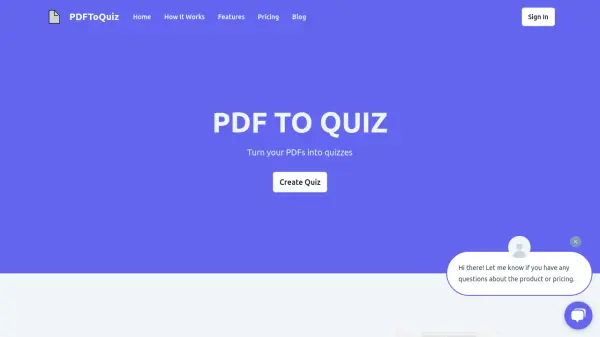
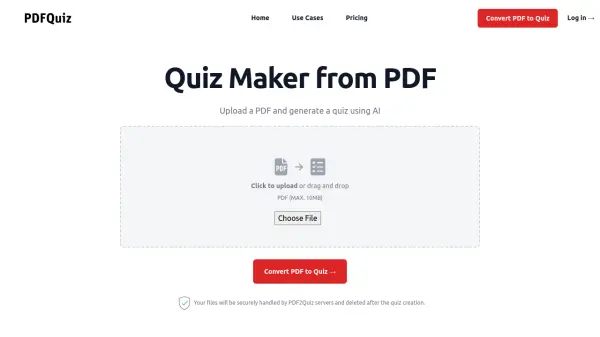
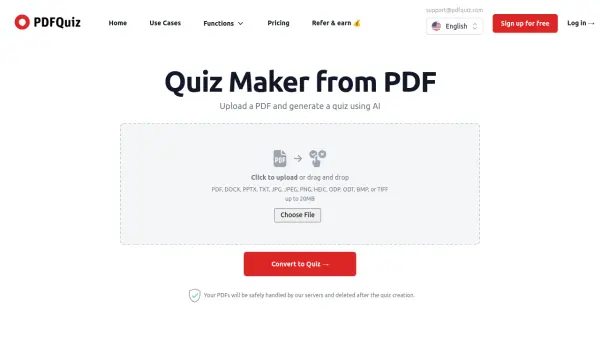
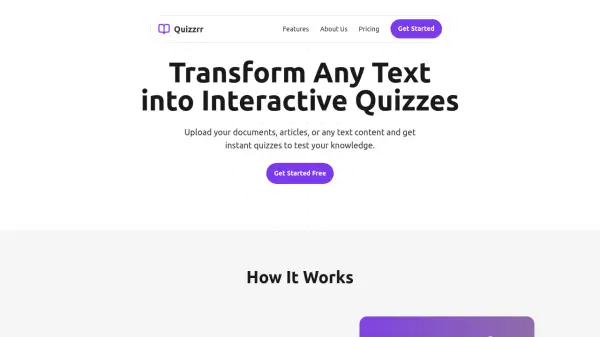
Turn your PDF into a Quiz!

What is Quizify?

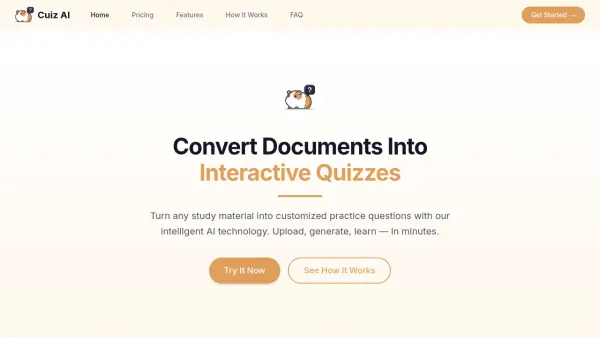
Quizify is an AI tool designed to convert PDF documents and images into personalized, interactive quizzes. It enables users to review content, learn new topics, and check their understanding efficiently, even with lengthy documents. The platform makes learning engaging and fast by automating quiz creation from existing materials.

Ideal for students and curious learners, Quizify simplifies the process of generating quizzes without manual effort. It supports various document formats and focuses on enhancing learning outcomes through interactive assessment tools.

Features

  • PDF Conversion: Transform PDF documents into interactive quizzes
  • Image Support: Convert images into quiz formats for learning
  • Personalized Quizzes: Generate customized quizzes based on document content
  • Learning Enhancement: Facilitate effective review and knowledge assessment
  • Fast Processing: Quickly create quizzes from lengthy documents

Use Cases

  • Converting textbook PDFs into study quizzes for exam preparation
  • Creating interactive quizzes from lecture notes or presentation images
  • Generating self-assessment tools for learning new topics
  • Reviewing long documents by turning them into quiz formats
  • Enhancing classroom activities with customized quizzes from educational materials

Related Tools:

Blogs:

  • Best AI tools for Room Design

    Best AI tools for Room Design

    Discover cutting-edge AI tools that redefine the art of room design. From layout optimization to aesthetic finesse, these top-tier tools enhance your space to new heights.

  • Top 6 AI note-taking tools for 2026: in-person, online, and hybrid use cases

    Top 6 AI note-taking tools for 2026: in-person, online, and hybrid use cases

    Most AI note-taking lists are really lists of meeting bots, which join your video call and transcribe it. That's useful, but it's half the picture. Decisions happen in hallway conversations, client dinners, on-site visits, and hybrid rooms where nobody is on a video link. This guide covers different parts of the note-taking workflow: hardware capture for in-person settings, platform-native tools for online calls, and AI layers for organizing and synthesizing what you've captured. It compares six tools by capture context, workflow fit, pricing, and limitations.

  • Chat with PDF AI Tools

    Chat with PDF AI Tools

    Easily interact with your PDF documents using our advanced AI-powered tool. Whether you're reading lengthy reports, research papers, contracts, or eBooks, our platform lets you chat directly with your PDF files, ask questions, extract insights, and get summaries in real-time.

Didn't find tool you were looking for?

Be as detailed as possible for better results