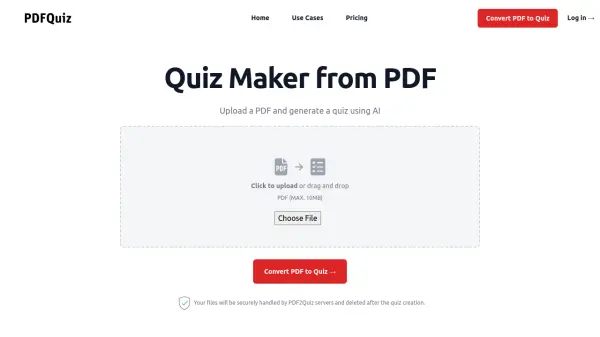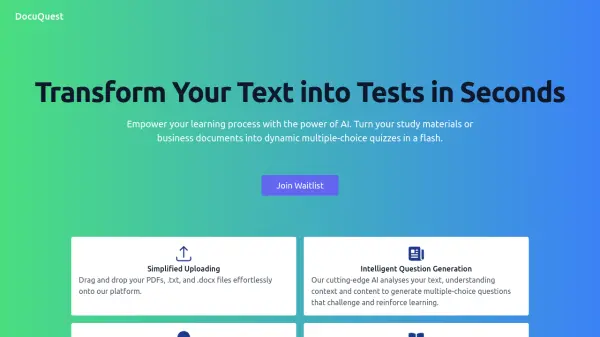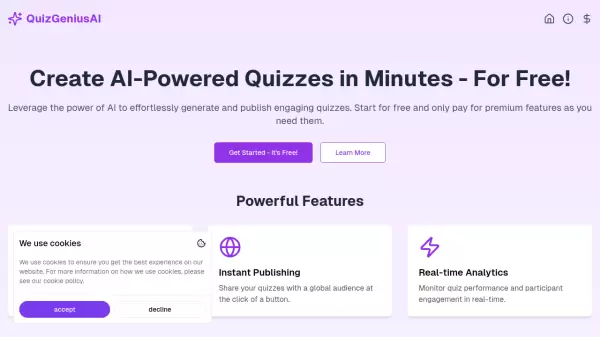
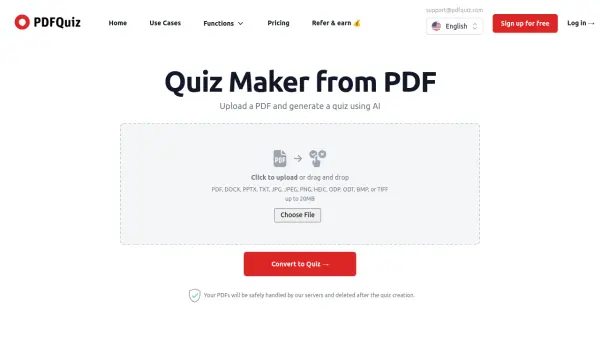
What is PDFQuiz?
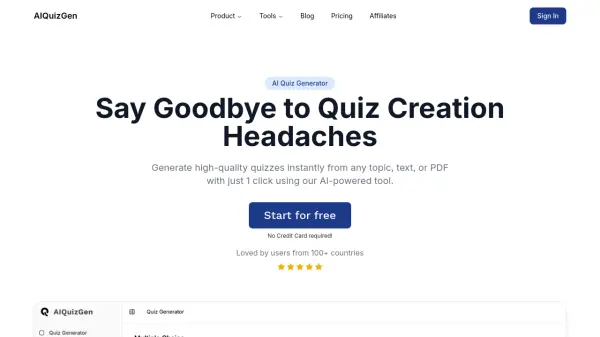
PDFQuiz offers an advanced solution for automatically generating quizzes from various file types, including PDF, DOCX, PPTX, and image files, using artificial intelligence. Users can simply upload their documents, specify parameters like the number of questions, difficulty level, and language, and let the AI create interactive multiple-choice quizzes within seconds. It supports the latest AI models like GPT-4o and includes features such as OCR for scanned documents, allowing conversion even from non-selectable text.
This tool is designed to streamline the process of creating assessments and study materials for educators, students, and professionals. It allows users to prepare for exams more efficiently by converting notes into practice tests, assess knowledge effectively, and even share quizzes with others via invite links. Features like timed questions, the ability to edit generated quizzes, and analyzing results with correct answers and explanations further enhance the learning and evaluation experience.
This tool is designed to streamline the process of creating assessments and study materials for educators, students, and professionals. It allows users to prepare for exams more efficiently by converting notes into practice tests, assess knowledge effectively, and even share quizzes with others via invite links. Features like timed questions, the ability to edit generated quizzes, and analyzing results with correct answers and explanations further enhance the learning and evaluation experience.
Features
- AI Quiz Generation: Automatically creates multiple-choice quizzes from uploaded documents (PDF, DOCX, PPTX, images, etc.) using AI models like GPT-4o.
- OCR Visual Scanning: Reads documents with non-selectable text, such as scanned PDFs or images.
- Customizable Quizzes: Allows users to choose the number of questions, difficulty level, and language.
- Quiz Editing: Provides the ability to edit, add, or remove questions and answers from the AI-generated quiz (Paid Plans).
- Timed Quizzes: Option to set a time limit for each question (Paid Plans).
- Quiz Sharing & Invites: Generate links to invite students, colleagues, or friends to take the quiz and track their scores (Paid Plans).
- Results Analysis: Shows scores, correct answers, and explanations for incorrect answers.
- Multiple File Format Support: Accepts PDF, DOCX, PPTX, TXT, JPG, JPEG, PNG, HEIC, ODP, ODT, BMP, or TIFF files.
Use Cases
- Students preparing for exams by converting lecture notes into practice quizzes.
- Teachers and professors creating assessments and tests from teaching materials.
- HR professionals generating skill tests for job candidates from specific knowledge documents.
- Compliance managers verifying employee knowledge of company procedures.
- Making study sessions more interactive and engaging.
- Creating fun quizzes to share with friends based on documents.
FAQs
-
What file types can I upload to create a quiz?
You can upload PDF, DOCX, PPTX, TXT, JPG, JPEG, PNG, HEIC, ODP, ODT, BMP, or TIFF files up to 20MB. -
Can I use PDFQuiz for scanned documents or images?
Yes, PDFQuiz uses OCR (Optical Character Recognition) visual scanning to read documents without selectable text, available on Pro and Elite plans. -
Can I edit the quizzes generated by the AI?
Yes, users with Pro or Elite plans have the ability to edit, add, or remove questions and answers from the AI-generated quiz. -
Is it possible to share the quizzes I create?
Yes, Pro and Elite plans allow you to generate and share invite links for others to take your quiz, and you can see their scores in your dashboard. -
Can I set a time limit for the quiz questions?
Yes, the Timed Quiz feature, which allows setting a time limit per question, is available for Pro and Elite users.