What is OpticalBackup?
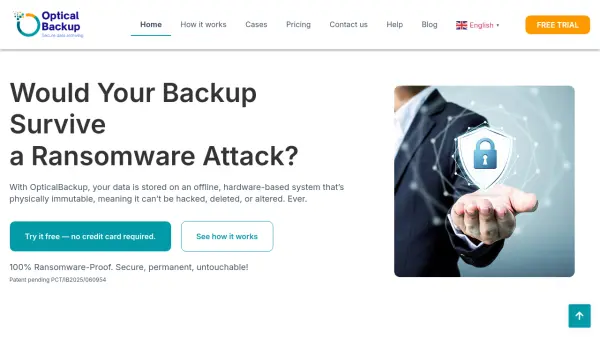
OpticalBackup revolutionizes data archiving by leveraging optical disk technology through a secure and scalable cloud service. Unlike traditional cloud backups, this solution offers true data immutability, meaning once data is written to optical disks, it cannot be changed, deleted, or tampered with. This ensures long-term durability, unmatched security against cyber threats like ransomware, and sustainability for backups.
The service combines cloud convenience with physical optical disk storage, creating an offline, immutable layer that completes the 3-2-1 backup strategy. Data is protected with advanced encryption protocols during transit and at rest, while optical disks provide preservation for decades or even centuries with minimal energy consumption. OpticalBackup adapts to various scales, from personal use to enterprise requirements, offering different storage options including datacenter storage or disk shipping to the user's location.
Features
- Immutable Storage: Data written to optical disks cannot be modified, deleted, or tampered with
- Ransomware Protection: Offline optical disk storage provides 100% protection against digital attacks
- Long-Term Preservation: Optical disks preserve data for decades or centuries with proper storage conditions
- Cloud Integration: Combines cloud service convenience with physical optical disk backup
- Encryption Security: Advanced encryption protocols protect data both in transit and at rest
- Scalable Solutions: Adapts from personal use to enterprise-scale data protection requirements
Use Cases
- Securing critical business data against ransomware attacks
- Preserving legal documents and notarial records with immutable backup
- Archiving financial records and accounting documents for long-term compliance
- Protecting family memories, digital art, and personal documents
- Storing sensitive institutional archives and government records
- Implementing complete 3-2-1 backup strategy with offline immutable layer
FAQs
-
What happens to my data if I don't close a container?
Data remains in an open container and is not recorded to optical disks until the container is closed, which initiates the immutable archiving process. -
Can I access my backed-up data immediately after closing a container?
Access depends on the recording process completion time, which varies from minutes to hours based on priority level and datacenter load. -
What types of files can I backup with OpticalBackup?
You can backup any file type as long as individual files do not exceed 23.31 GB, with unlimited total upload capacity across multiple files. -
How does OpticalBackup ensure data remains readable decades later?
Optical disks are tested for longevity under optimal storage conditions, with projected lifetimes of 30-50 years for typical use and potentially centuries under ideal conditions. -
What happens if I need to recover data from shipped disks?
For disks shipped to you, physical access is required for data recovery, while datacenter-stored disks enable remote recovery through the service.