What is Online Counter?
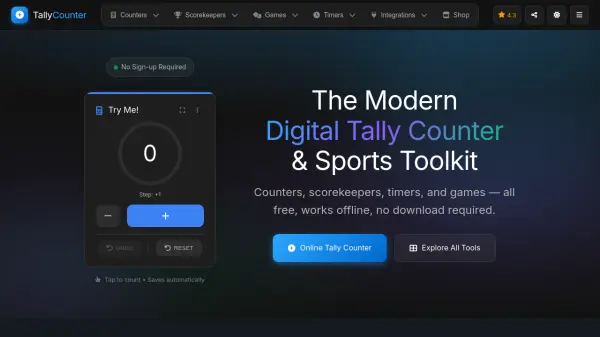
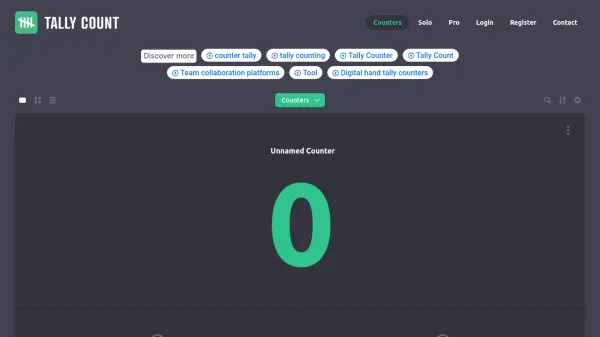
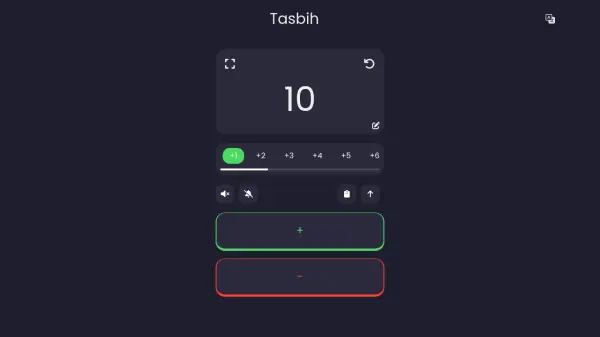
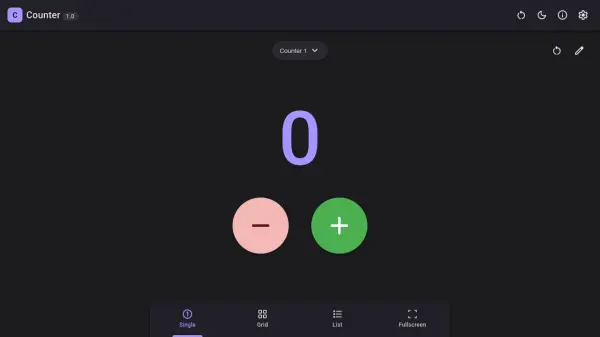
Online Counter is a versatile tally counter application designed to help you track anything quickly and efficiently. Whether you need to count repetitions during a workout, keep score in a game, or monitor inventory, this tool offers a clean, intuitive interface with multiple viewing options.
The app allows you to create multiple counters, each with its own name, initial value, increment or decrement step, and color for easy identification. You can set maximum limits to prevent overcounting and choose between single, grid, or list views to suit your preference. All data is stored locally on your device, ensuring privacy and offline accessibility. Additional features include light and dark themes, import and export functionality, and a fullscreen mode for focused counting.
Features
- Multiple Counters: Create and manage several counters with individual names and colors.
- Customizable Increments: Set increment or decrement values per counter.
- View Modes: Choose from single, grid, or list display layouts.
- Maximum Limits: Define maximum values to prevent exceeding counts.
- Local Storage: All data saved locally on your device, no account needed.
- Import/Export: Easily back up or transfer your counter data.
- Themes: Toggle between light and dark themes for visual comfort.
- Fullscreen Mode: Use the app in fullscreen for distraction-free counting.
Use Cases
- Tracking workout repetitions or sets
- Keeping score during board games or sports
- Counting inventory items or stock
- Monitoring daily habits or tasks
- Tallying event attendees or votes
- Recording knitting or crochet stitches
FAQs
-
Is an account required to use Online Counter?
No, no account is needed. All data is stored locally on your device. -
Can I set a maximum limit for a counter?
Yes, you can set a maximum value for each counter to limit how high it can count. -
Are there different view modes?
Yes, you can choose from Single, Grid, or List views. -
Can I export my counter data?
Yes, you can export and import your counter data for backup or transfer. -
Is there a dark theme available?
Yes, the app offers both light and dark themes.