What is Work Hour Monitor?
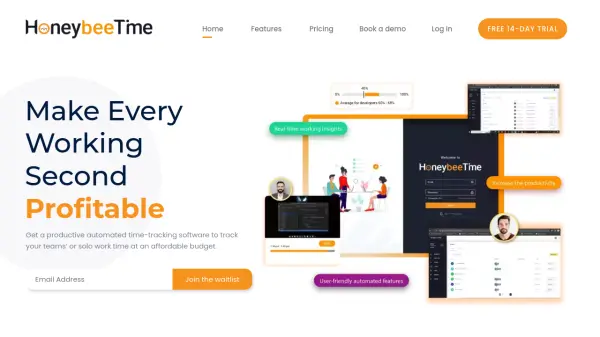
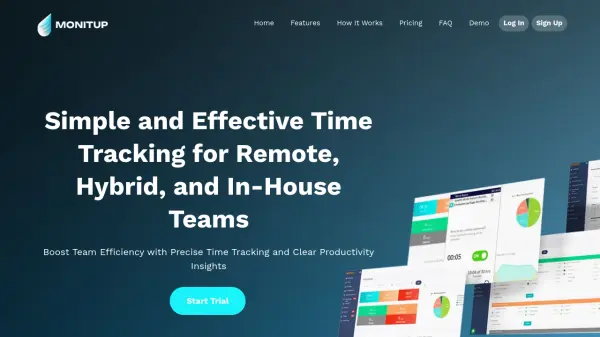
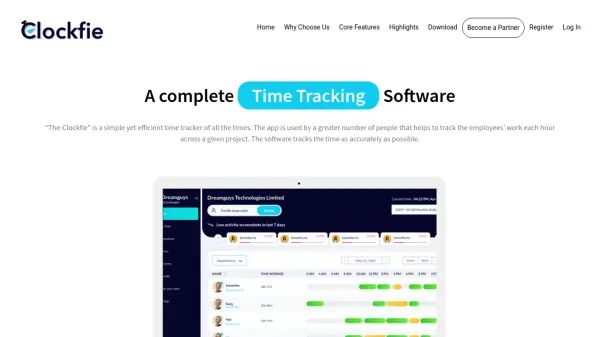
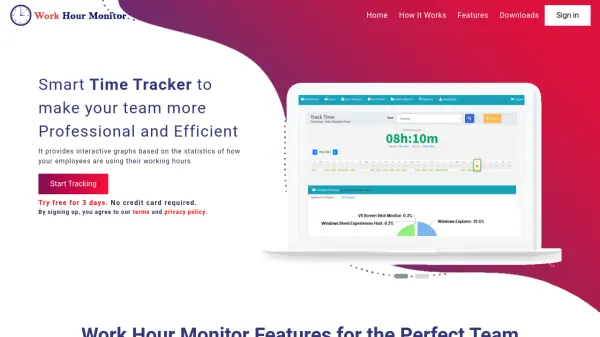
Work Hour Monitor is a comprehensive time tracking solution designed to optimize workplace productivity through detailed monitoring and analytics. The software automatically tracks employee work hours, application transitions, and website visits while providing customizable reports and interactive graphs for data visualization.
It features smart time tracking that pauses during system idle periods and resumes when work continues, along with offline functionality for environments with unstable internet connections. The platform includes automatic screenshot capture, project time tracking capabilities, and secure data storage with industry-standard encryption to protect sensitive information.
Features
- Online Status Tracking: Monitors whether employees are online at any given time
- Smart Time Tracker: Automatically pauses tracking during system idle periods and resumes when work continues
- Application Tracking: Records transitions between applications and displays data with visual graphs
- Offline Tracking: Functions without stable internet connection
- URL Tracking: Monitors websites visited by team members
- Auto Screenshots: Automatically captures screenshots for visual verification
- Custom Reports: Provides customizable activity and user reports
- Team Contacts Management: Stores basic team details and contact information for reference
Use Cases
- Monitoring employee productivity and work hours
- Tracking application usage patterns across teams
- Analyzing website visit history for work-related activities
- Generating custom reports for performance evaluation
- Managing remote team efficiency and accountability
- Calculating payroll based on actual work hours tracked
- Monitoring project time allocation and progress