What is Digital Tally Counter?
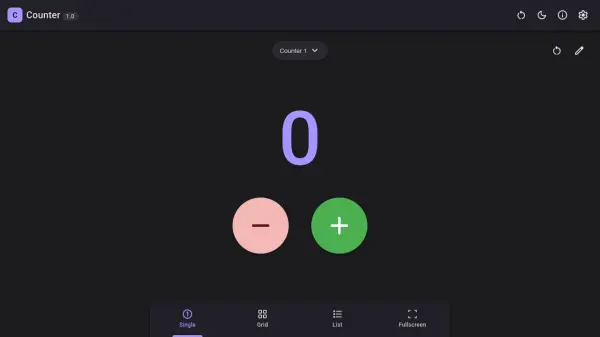
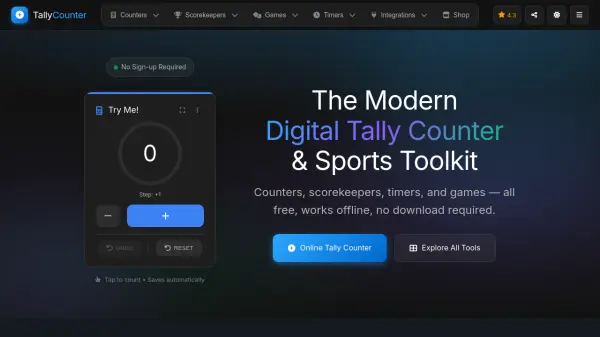
Digital Tally Counter provides a versatile digital toolkit for counting, scorekeeping, timing, and tracking across various applications. The platform offers multiple specialized counters including basic tally counters, people counters for attendance tracking, inventory counters for stock management, exercise counters for fitness tracking, and religious counters for prayer and meditation.
The system features automatic data saving, offline functionality, cross-device synchronization, and detailed statistics with achievement tracking. Users can create and manage multiple simultaneous counters with customizable settings for step amounts, targets, colors, and feedback options. The platform also includes specialized tools for sports scorekeeping, game timing, habit tracking, and educational purposes.
Features
- Multiple Counters: Create and manage multiple simultaneous counters with different configurations
- Offline Functionality: Works completely offline with automatic local data storage
- Automatic Saving: All counter data is automatically saved to browser's local storage
- Customizable Settings: Adjust step amounts, targets, colors, sounds, and vibration feedback
- Specialized Tools: Includes sports scorekeepers, timers, habit trackers, and religious counters
- Cross-Device Sync: Synchronize data across devices when online
- Statistics Tracking: View detailed statistics, achievements, and historical trends
- Mobile Ready: Fully responsive design works on all devices with PWA support
Use Cases
- Business inventory tracking and stock management
- Event attendance monitoring and capacity management
- Personal fitness tracking for exercise reps and sets
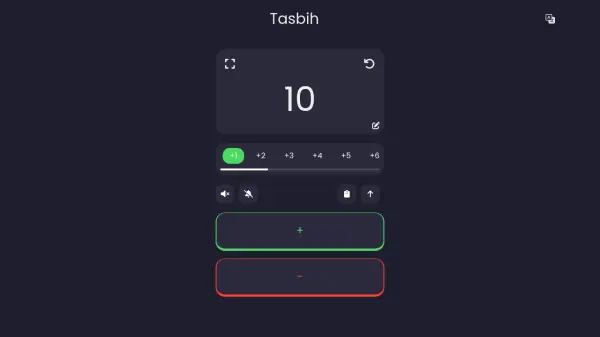
- Religious prayer counting for tasbih, rosary, and meditation
- Educational classroom activities and counting concepts
- Sports scorekeeping for basketball, soccer, tennis, and other games
- Manufacturing production cycle monitoring and quality checks
- Research data collection and statistical analysis
- Habit tracking for daily routines and streak building
- Game scoring for card games, board games, and multiplayer activities
FAQs
-
How do I create and manage multiple counters?
Click the 'Add Counter' button to create a new counter. You can customize each counter with a unique name, color, and category. Use the counter cards to increment, decrement, or reset values. Long-press or use the menu for additional options like editing or deleting. -
How do I change themes and settings?
Access the settings menu via the gear icon. You can switch between light, dark, and system themes. Additional options include sound effects, haptic feedback, and display preferences for your counters. -
Are my counters saved automatically?
Yes! All counter data is automatically saved to your browser's local storage. Your counters persist between sessions and even work offline. For additional backup, you can export your data from the settings menu. -
Can I use this on mobile devices?
Absolutely! The app is fully responsive and works on all devices. You can install it as a Progressive Web App (PWA) on your phone for a native app-like experience with offline support. -
Does it work offline?
Yes! Once loaded, the app works completely offline. All your counters and data are stored locally. When you're back online, any cloud-synced data will automatically synchronize.