What is one.email?
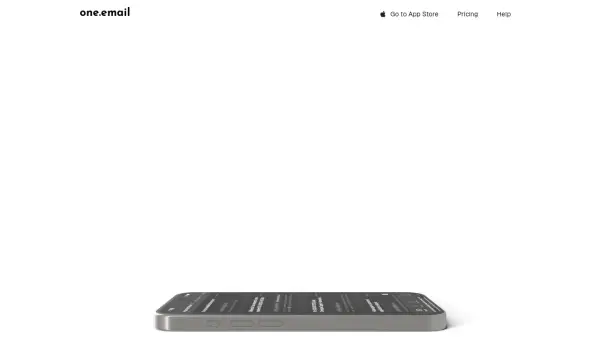
A sophisticated email management solution that transforms how users interact with their emails through AI-powered classification and organization. The platform enables users to unify multiple email accounts in one place while maintaining a clean, distraction-free interface with innovative features like grayscale mode and split inboxes.
The service combines advanced AI capabilities with practical functionality, offering automatic email categorization, side-by-side email replies, and a newsletter-focused newsfeed view. With its emphasis on productivity and focus, it includes features like swipe actions for archive and snooze, natural language search, and seamless calendar integration.
Features
- AI Classification: Automatic email categorization into custom categories
- Unified Inbox: Manage multiple email accounts in one place
- Focus Mode: Grayscale option to reduce visual distractions
- Smart Search: Natural language email search capability
- Newsletter Feed: Social media style newsletter reading experience
- Calendar Integration: Unified calendar view for all accounts
- Side-by-side Reply: Efficient email response system
- Swipe Actions: Quick archive and snooze functionality
Use Cases
- Managing multiple professional and personal email accounts
- Organizing newsletters and marketing emails
- Maintaining focus during email management
- Efficiently handling calendar invites
- Processing high-volume email workflows
- Streamlining email search and organization
FAQs
-
What platforms is one.email available on?
one.email is available as a web client and iOS app, with an Android app coming soon. -
What email services can I connect to one.email?
You can connect email accounts using IMAP and SMTP, Google/Gmail accounts, and Outlook accounts. -
Is there a lifetime license option?
Yes, one.email offers a one-time payment lifetime license for $99 that includes unlimited email accounts, storage, and all features.