What is Notivo?
Notivo provides a private, intuitive workspace designed specifically for team managers to streamline team management processes. It enables real-time documentation of feedback, achievements, and coaching points organized by employee, facilitating better preparation and clarity in leadership.
The tool helps managers track team growth monthly, engage in meaningful conversations, recognize efforts early, and simplify year-end reviews through organized reports. By capturing moments that drive development, it empowers teams without the complexity of traditional HR systems.
Features
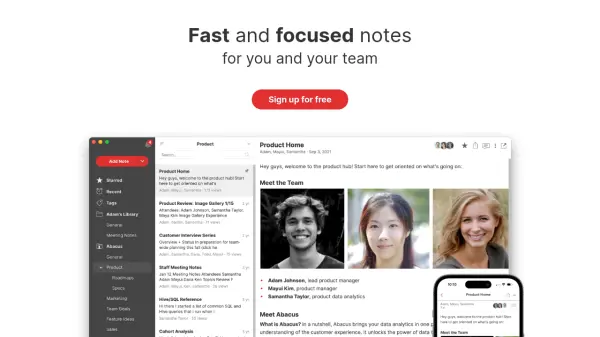
- Quick Notes: Capture feedback, achievements, and coaching points in real-time
- Monthly Overview: Track team growth and progress month by month
- Tagging Highlights: Organize notes with tags and reminders for easy reference
- Feedback Report: Generate clear reports for performance reviews and insights
Use Cases
- Capturing real-time feedback and achievements for team members
- Tracking monthly team growth and progress
- Preparing for performance conversations and reviews
- Simplifying year-end review processes with organized reports
FAQs
-
Who is Notivo for?
Notivo is designed for team managers, including team leads, startup founders, engineering managers, and other leaders who need to track team growth and provide feedback. -
Can I tag team members in my notes?
Yes, Notivo allows tagging of team members in notes to organize feedback and observations by employee. -
Is Notivo just for feedback?
No, Notivo is not just for feedback; it also helps capture achievements, coaching points, and track team growth over time. -
Will there be a mobile app?
The content does not specify if a mobile app is available or planned.