
What is Notiv?
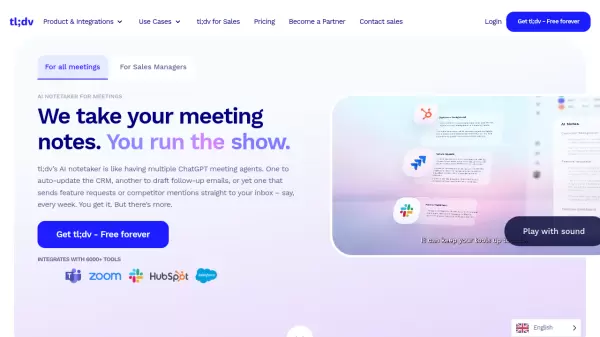
Notiv is a collaborative meeting application designed to enhance team productivity by automating meeting documentation processes. The tool integrates with popular platforms like Zoom, Google Meet, Microsoft Teams, and Slack to record and transcribe meetings in real-time. Using AI-driven technology, Notiv generates summaries, identifies key moments such as decisions and action items, and creates tasks for attendees with speaker identification.
The platform helps users stay focused during meetings by eliminating the need for manual note-taking. It also provides searchable meeting records for easy reference and ensures clarity by sharing summaries with clients and teams. Notiv supports meeting preparation by syncing with calendars and offers features like live transcription, agenda generation, and integration with chat tools.
Features
- Automatic Recording: Syncs with calendars to join and record scheduled meetings from various platforms
- Real-time Transcription: Transcribes meetings live, allowing users to refer back to discussions without notes
- AI-driven Summarization: Creates automatic action items, tasks, and highlights with speaker identification
- Integration Support: Works with Zoom, Google Meet, Microsoft Teams, Slack, and other tools
- Searchable Records: Turns meetings into searchable archives for quick context review
Use Cases
- Client meetings to document discussions and action items
- Team meetings to track decisions and tasks
- Sales meetings to capture insights and follow-ups
- Meeting preparation by syncing with calendars
- Post-meeting review with shared summaries and records
FAQs
-
Do I need to enter my credit card information to sign up?
You do not need to enter credit card information to use the Basic plan. For Professional or Enterprise plan trials, credit card details are required but you will not be charged until after the free trial ends. -
Do you support annual pricing?
Yes, annual pricing offers a discount compared to monthly rates. Contact support via live chat for details. -
Can I upgrade or downgrade my plan at any time?
Yes, you can upgrade or downgrade on the billing page after logging into Notiv. -
What happens if I upgrade in the middle of my billing cycle?
If you upgrade mid-cycle, you will be charged only the amount to top up the remainder of the current month to the new plan, then normal billing continues on the new plan. -
What happens if I exceed my monthly transcription quota?
If you exceed your quota, you can upgrade your plan to access full meeting transcripts.