
What is mymind?
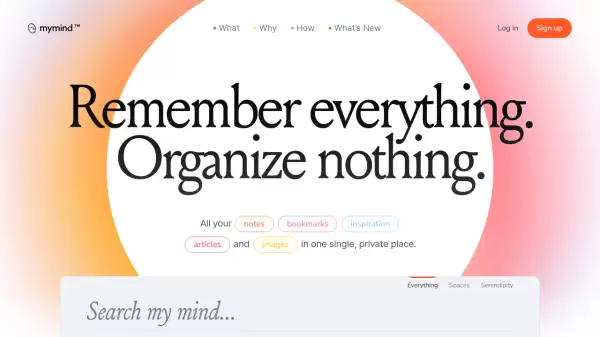
mymind revolutionizes personal knowledge management by creating a seamless, AI-powered system that automatically organizes digital content. The platform intelligently processes and categorizes saved items, from articles and images to bookmarks and notes, without requiring manual organization or tagging.
With advanced features like text recognition, smart bookmarking, and distraction-free reading mode, mymind serves as a private digital sanctuary where users can effortlessly store and retrieve their collected information. The platform emphasizes privacy and employs sophisticated AI to enable natural, associative search capabilities across all saved content.
Features
- Smart Bookmarking: Automatic categorization of saved URLs based on content type
- AI Image Tagging: Automatic tagging and text recognition in images
- Distraction-free Reading: Clean article viewing without ads or popups
- Smart Spaces: Automatic content organization based on user preferences
- Cross-device Sync: Access across all devices with instant synchronization
- Visual Search: Search by color, keyword, brand, or date
- Focus Mode: Dedicated environment for note-taking and writing
- Text Recognition: Ability to search text within images and screenshots
Use Cases
- Visual moodboard creation for designers
- Research collection and organization
- Marketing content curation
- Writing without distractions
- Developer resource management
- Personal knowledge base creation
- Article reading and archiving
- Digital inspiration collection
FAQs
-
Is mymind private and secure?
Yes, mymind is completely private and secure. The platform doesn't track user data, run ads, or sell information to third parties. -
What types of content can I save in mymind?
You can save notes, bookmarks, articles, images, PDFs, videos, and text clippings from various sources. -
Do I need to organize content manually?
No, mymind's AI automatically organizes and categorizes all saved content without requiring manual organization or tagging.