

What is My Digital Receipt?
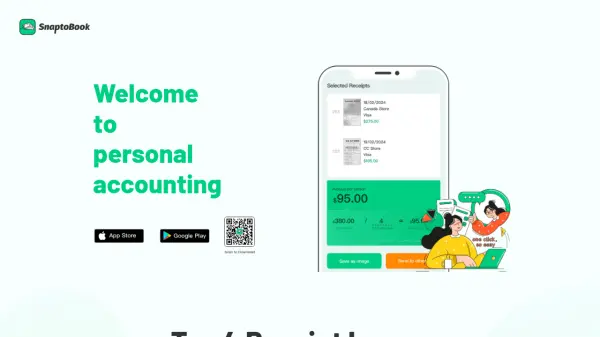
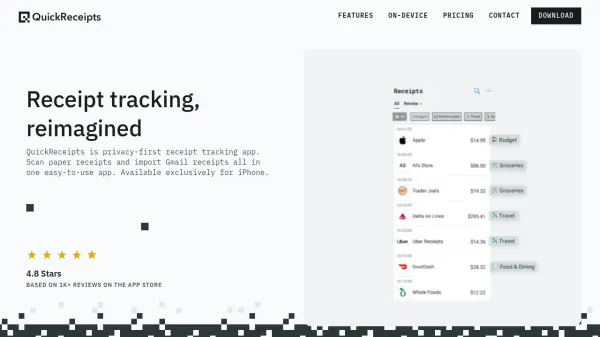
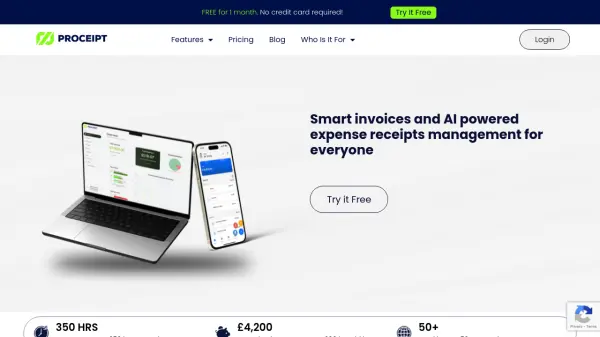
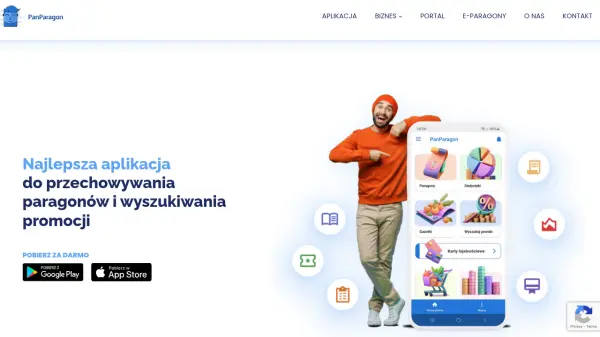
My Digital Receipt is an innovative application designed to streamline the management of invoices and receipts. Users can effortlessly scan, manually add, or import receipts from various sources, ensuring all financial documents are securely stored and easily accessible. The app provides deep insights into spending patterns and expense tracking, making financial management more efficient and organized.
With a focus on user convenience, My Digital Receipt allows for quick export of documents in just a few taps. This tool helps individuals and businesses maintain accurate records, reduce clutter, and gain better control over their finances through intuitive features and seamless integration.
Features
- Receipt Scanning: Scan receipts using the app's camera functionality
- Manual Addition: Manually add receipts and invoices for comprehensive record-keeping
- Import Functionality: Import receipts from various sources to centralize documents
- Expense Tracking: Track expenses effortlessly with built-in tools
- Deep Insights: Gain insights into spending patterns and financial habits
- Document Export: Export receipts and invoices in just a few taps
Use Cases
- Managing personal receipts for budgeting
- Tracking business expenses for tax purposes
- Organizing invoices for small businesses
- Simplifying expense reporting for employees
- Maintaining digital records for financial audits