What is Mudboard?
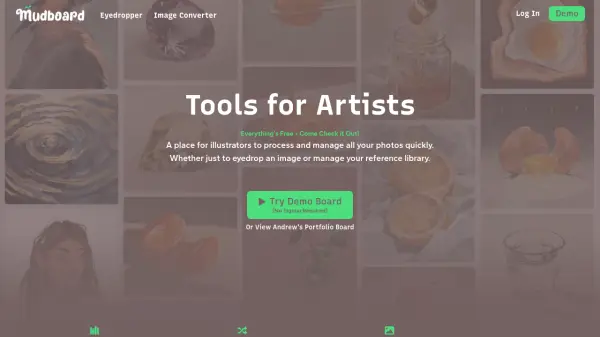
Mudboard provides a platform for illustrators to process and manage photos efficiently, focusing on tasks like eyedropping images and handling reference libraries. It allows users to build a reusable library of images, eliminating the need for multiple Pinterest boards or folders, and offers flexible viewing options in grid or freeform canvas layouts with features like pinning images and splitting into sections.
The tool helps artists keep all ideas in one place, facilitating easy switching between projects without opening new files. It differentiates from platforms like Pinterest by emphasizing fast access to saved images without digging, and from tools like PureRef by combining freedom with speed for building and sharing. Mudboard supports exporting sections to share ideas with friends or clients, and all boards are private by default unless links are shared.
Features
- Image Management: Build and manage a library of reusable images for reference
- Flexible Viewing: View images in grid or freeform canvas layouts with pinning and section splitting
- Project Organization: Keep all ideas in one place for easy switching between projects
- Export Functionality: Export sections to share ideas with friends or clients
- Privacy Controls: All boards and sections are private by default unless links are shared
Use Cases
- Organizing image references for illustration projects
- Building a visual library for repeated use in artwork
- Sharing creative ideas with clients or collaborators
- Switching between multiple art projects efficiently
- Managing photos and references without clutter from folders or Pinterest boards
FAQs
-
Do I need to sign up to use the app?
No sign-up is needed to make and share boards; sign-up is only required if you want to save a board. -
Who can see my board/sections?
All boards and sections are private by default and cannot be found unless you share the link; they cannot be edited by others at the moment. -
Will you train AI or sell my artwork/data?
No, the tool does not train AI or sell user artwork/data.