What is Inboard?
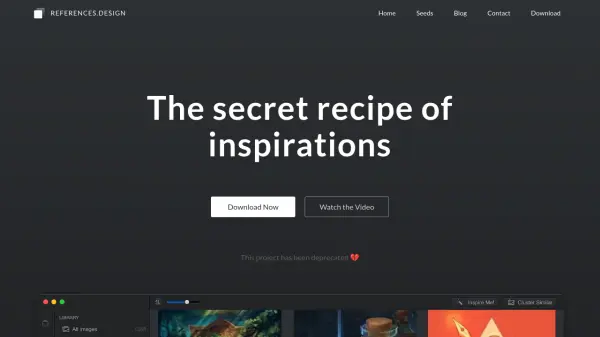
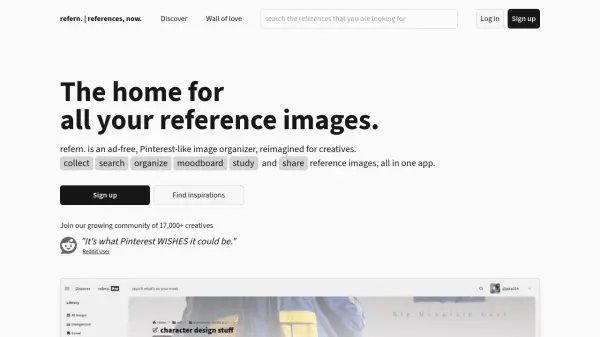
Inboard delivers a seamless workflow for creatives who need to collect and organize visual inspiration. Designed as a native Mac app, it focuses on speed and simplicity, allowing users to arrange screenshots, images, and photos without the distractions and limitations of web-based platforms. The visually appealing, Pinterest-like grid ensures an enjoyable full-screen browsing experience, with support for popular file formats such as PNG, JPG, GIF, PSD, AI, and PDF.
With features like full-page screenshot capture via browser extensions, automatic saving of page titles and URLs, robust tagging and folder organization, and easy import/export functionality, Inboard helps designers, photographers, and developers keep their inspiration accessible and well-structured. Compatibility with the latest macOS systems ensures crisp visuals and smooth performance on all modern Macs.
Features
- Pinterest-Like Grid View: Browse images in an attractive, full-screen masonry grid.
- Full-Page Screenshot Capture: Save complete webpages using browser extensions for Chrome, Safari, and Firefox.
- Tag Organization: Assign and quickly browse images by tags using a dedicated all-tags view.
- Multi-Format Support: Compatible with PNG, JPG, GIF, PSD, AI, and PDF files.
- Native Mac App: Optimized for speed and macOS, including Retina display readiness.
- Easy Import/Export: Quickly migrate libraries when reinstalling or moving to a new Mac.
- Automatic Metadata Saving: Page titles and URLs are saved with screenshots for reference.
Use Cases
- Organizing and browsing reference images for design inspiration.
- Creating mood boards for creative projects.
- Tagging and categorizing large photo or image collections.
- Capturing full-page website screenshots for research or UI/UX review.
- Quickly accessing and reviewing Dribbble shots on a desktop.
- Preparing visual assets for professional or educational presentations.
FAQs
-
Which file formats does Inboard support?
Inboard supports PNG, JPG, GIF, PSD, AI, and PDF file formats. -
Can I capture full-page screenshots with Inboard?
Yes, Inboard provides browser extensions for Chrome, Safari, and Firefox to capture full-page screenshots. -
Is Inboard compatible with the latest Mac and macOS versions?
Yes, Inboard is designed to work seamlessly with the latest Macs and versions of macOS, including support for Retina displays. -
Can I organize images using tags?
Yes, Inboard lets users assign tags to images and quickly browse collections via an all tags view. -
Is there an easy way to migrate my image library to another Mac?
Yes, Inboard offers export and import functionality to facilitate easy migration of your image library.