References.Design favicon

References.Design
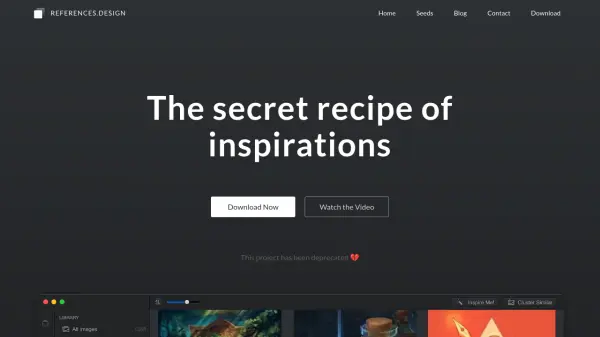
The secret recipe of inspirations

What is References.Design?

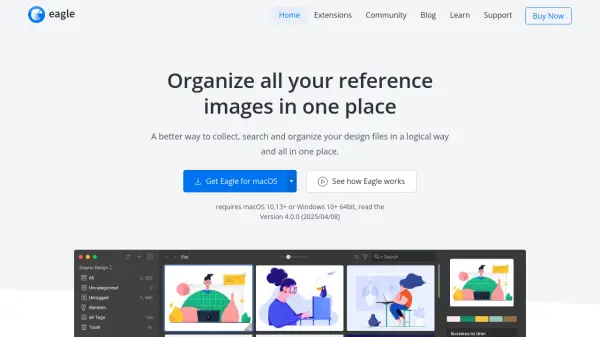
References.Design helps users gather fresh inspiration from popular design communities and import personal collections. It allows for easy management of all online and offline assets in a single, unified platform.

The software features a powerful AI engine trained to automatically detect visual styles and objects within images. This allows users to quickly search and organize their design assets, making the management process efficient and intuitive.

Features

  • Browse design inspirations and stories: Browse curated design inspirations and stories from a selective series of sources.
  • Quick Save: Save inspirations into your local library with a single click.
  • Link with folders: Connect with existing folders; changes in folders are automatically detected and refreshed.
  • Team folder and offline access: Connect to folders on external storage or remote servers; images are cached for offline access.
  • Sync with cloud service: Connect with your favorite cloud service for backup and synchronization.
  • AI-powered smart tagging and searching: Automatically detects visual styles and objects in your inspirations for easy searching.
  • Inspire Me!: Get random inspirations and discover relevant content.
  • Find and cluster similar images: Find similar images or cluster images based on visual styles.

Use Cases

  • Organizing design inspiration from various online sources.
  • Managing both online and offline design assets in a centralized location.
  • Quickly finding specific design assets using AI-powered search.
  • Creating a personal library of design inspirations.
  • Collaborating with a team on design projects using shared folders.

Related Tools:

Blogs:

  • Best AI tools for Lawyers

    Best AI tools for Lawyers

    streamline legal processes, enhance research capabilities, and improve overall efficiency in the legal profession.

  • Best AI Tools For Startups

    Best AI Tools For Startups

    we've compiled a straightforward list of user-friendly AI tools designed to give startups a boost. Discover practical solutions to streamline everyday tasks, enhance productivity, and gain valuable insights without the need for a tech expert. Learn where and how these tools can be applied in your startup journey, from automating repetitive tasks to unlocking powerful data analysis. Join us as we explore the features that make these AI tools accessible and beneficial for startups in various industries. Elevate your business with technology that works for you!

  • Top 6 AI note-taking tools for 2026: in-person, online, and hybrid use cases

    Top 6 AI note-taking tools for 2026: in-person, online, and hybrid use cases

    Most AI note-taking lists are really lists of meeting bots, which join your video call and transcribe it. That's useful, but it's half the picture. Decisions happen in hallway conversations, client dinners, on-site visits, and hybrid rooms where nobody is on a video link. This guide covers different parts of the note-taking workflow: hardware capture for in-person settings, platform-native tools for online calls, and AI layers for organizing and synthesizing what you've captured. It compares six tools by capture context, workflow fit, pricing, and limitations.

Didn't find tool you were looking for?

Be as detailed as possible for better results