What is Eagle?
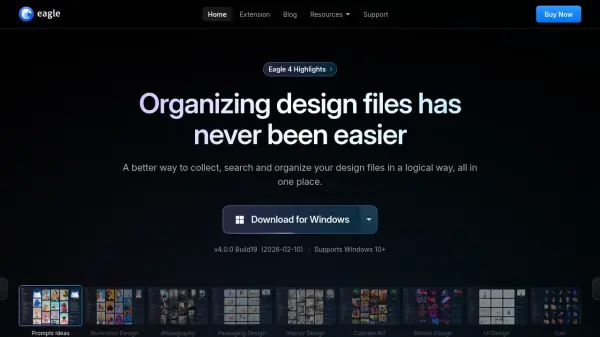
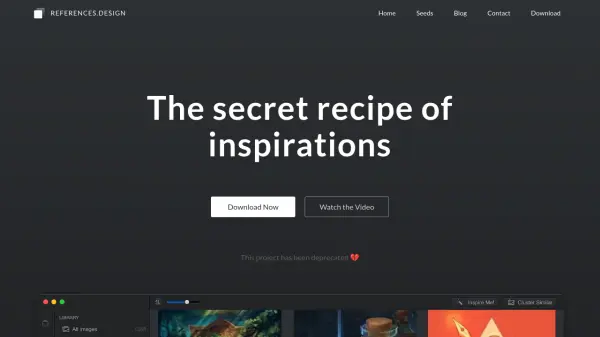
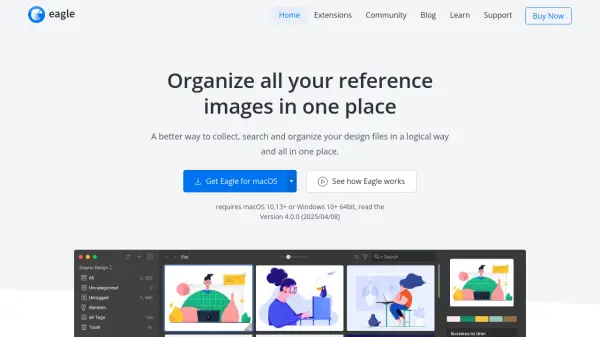
Eagle offers a robust system for managing extensive collections of digital assets, addressing the common challenges designers and creatives face with disorganized files and inspiration sources. It enables users to efficiently collect materials from various places, including websites via browser extensions, direct drag-and-drop, clipboard pasting, and screenshots. The platform supports a wide range of file formats, allowing consolidation of images, videos, audio files, fonts, bookmarks, and documents into one accessible location, streamlining the creative workflow.
The tool facilitates logical organization through features like folders, hierarchical structures, tagging, smart folders that automatically categorize assets based on defined criteria, and image annotations for adding notes. Advanced search capabilities, including keyword search, color filtering, and format filtering, ensure quick retrieval of specific assets when needed. Eagle enhances the browsing experience with instant previews via hover or spacebar, customizable layouts for optimal viewing, and easy zooming, making navigating large libraries faster and more intuitive. Collaboration is also supported through easy syncing with cloud storage services like Google Drive or Dropbox.
Features
- Browser Extension: Save images and assets directly from any website.
- Advanced Organization: Utilize tags, folders, smart folders, and annotations for logical asset arrangement.
- Comprehensive Search: Find assets quickly using keywords, color filters, format filters, and other advanced criteria.
- Multi-Format Support: Manage images, videos, audio files, fonts, web bookmarks, PDFs, and more.
- Efficient Browsing: Preview assets instantly with hover or spacebar, and customize layouts.
- Batch Processing: Apply actions like tagging or classifying to multiple files simultaneously.
- Auto-tagging: Automatically apply default tags to assets added to specific folders.
- Duplicate Detection: Identify duplicate files during the collection process.
- Font Management: Preview and categorize fonts without installation.
- Cloud Sync Compatibility: Sync libraries via services like Google Drive, Dropbox for collaboration.
Use Cases
- Organizing large libraries of design inspiration and reference images.
- Managing project-specific assets like mockups, icons, and illustrations.
- Collecting visual research and competitor analysis materials.
- Cataloging fonts, audio files, and video clips for creative projects.
- Creating shared asset libraries for design teams via cloud sync.
- Archiving personal photo or digital media collections.
- Building visual bookmark libraries for web UI/UX ideas.