
What is refern.?
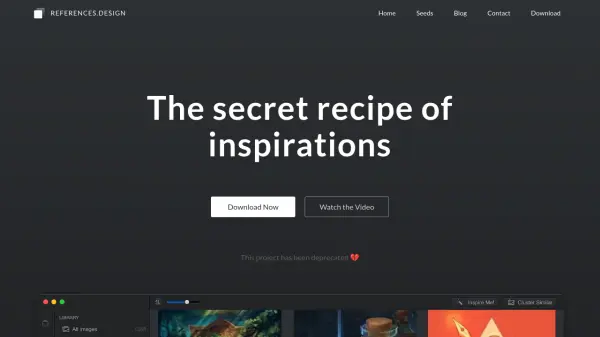
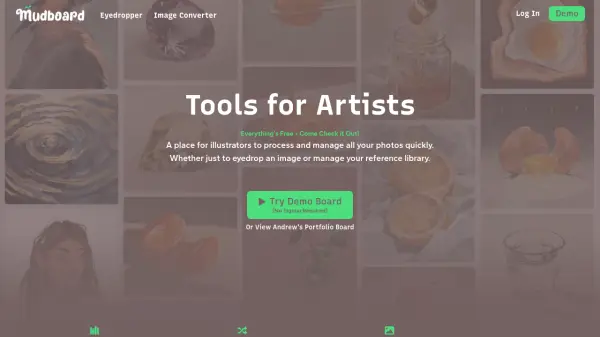
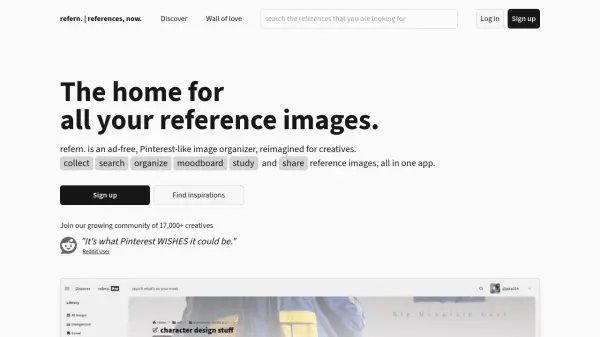
refern. is an advanced, ad-free image organization platform tailored for creatives, enabling seamless searching, organizing, and moodboarding of visual references. Powered by AI, the tool simplifies the tedious process of tagging and categorizing images by automatically generating tags and organizing collections. Users can effortlessly search their entire library using intuitive text and color queries, and save inspirations from any website.
Designed for creative workflows, refern. offers flexible folder structures, public and private sharing options, timed study tools, and a responsive interface accessible from mobile and desktop browsers. The application ensures image integrity by not compressing uploads, features NSFW detection and labeling, and provides useful collaboration and sharing tools, making it a robust solution for inspiration management and creative project organization.
Features
- AI Image Tagging: Automatically tags uploaded images using artificial intelligence.
- Advanced Search: Find images using text, color, and tag-based queries.
- Bulk Editing: Edit tags and details across multiple images simultaneously.
- Cross-Platform Access: Use seamlessly on both mobile and desktop browsers.
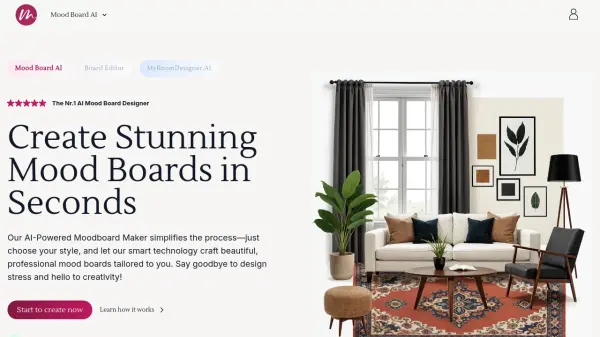
- Moodboard Creation: Build moodboards directly from your image library.
- Browser Extensions: Save images instantly from Chrome, Firefox, or Safari.
- Timed Study Tool: Practice and review references under a customizable timer.
- Public and Private Sharing: Share collections via link or QR code.
- Uncompressed Images: Uploaded images are not compressed or modified.
- Community Labeling: Community-driven labeling for AI-generated and NSFW images.
Use Cases
- Organizing and managing inspiration images for creative projects.
- Rapidly searching for reference material using AI-driven tools.
- Building and sharing professional moodboards with clients or collaborators.
- Studying and practicing art using a timed reference mode.
- Saving reference images from any website directly to organized folders.
- Accessing curated reference collections from any device.
FAQs
-
Is refern. free to use?
Yes, refern. offers all core features for free with certain usage limits. A Pro version with expanded storage and features can be unlocked with a one-time payment. -
Will my images be used to create AI art?
No, refern. does not use your uploaded images to train or generate AI art. -
Can I upload AI-generated images?
Yes, uploading AI-generated images is allowed, but such images may be community labeled and will not appear on the public explore page. -
Are images containing nudity or NSFW content allowed?
Yes. refern. scans all images for NSFW content and blurs those exceeding a sensitivity threshold, with user controls to manage NSFW blurring. -
Can other people edit my references?
No, only you can edit your references. Others can view them only if they have access permissions.