What is Messy Desk?
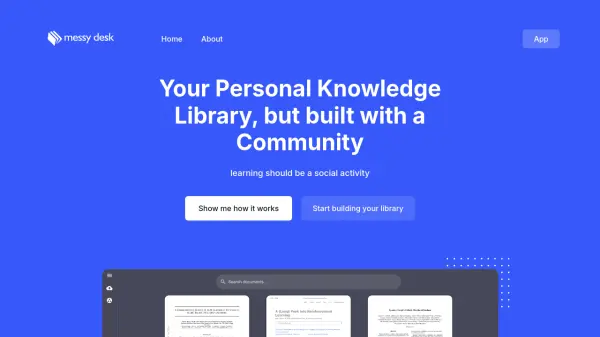
Messy Desk is a platform designed to revolutionize how users manage and interact with their knowledge resources. It combines personal document management with the power of AI and a vibrant community to enhance the learning experience.
The platform allows for easy uploading of PDF documents and URLs, supporting bulk uploads for maximum efficiency. With features like smart previews, AI-powered semantic search, and interactive document chat, Messy Desk helps users quickly find and understand the information they need. The integrated community discussion feature fosters collaborative learning by allowing users to connect and share insights with others studying the same material.
Features
- Smart Preview: AI automatically extracts key points and provides a summary of the documents.
- Powerful Search: Advanced semantic search capabilities understand context and meaning.
- AI Explanations: Get clear explanations of complex topics by simply highlighting the text.
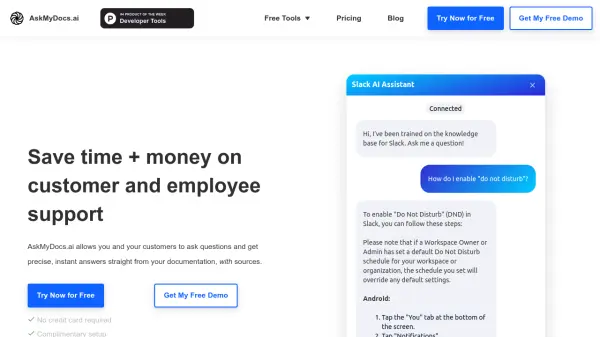
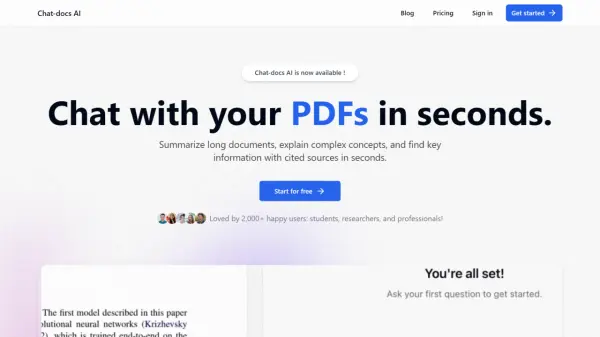
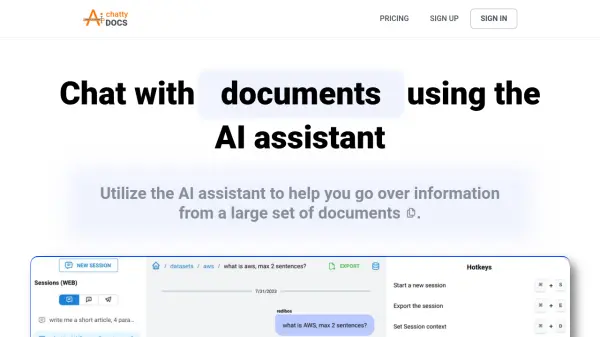
- Interactive Chat: Chat with documents and get instant, context-aware answers.
- Community Discussion: Share insights and discuss topics with a community of learners.
- Easy Upload: Bulk upload PDF documents, or upload via URLs.
Use Cases
- Managing research papers and academic articles
- Creating a personal library of learning materials
- Collaborating with peers on study materials
- Quickly finding specific information within a large document collection
- Gaining deeper understanding of complex topics through AI assistance
- Sharing knowledge and insights with a community