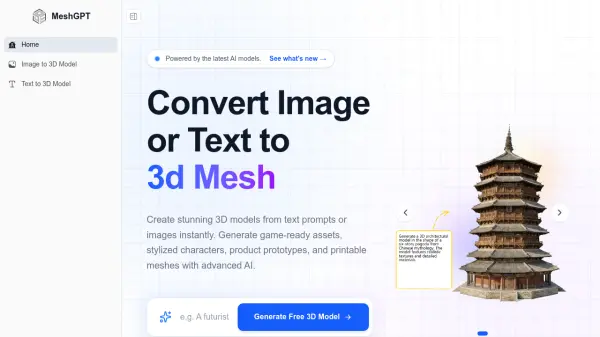
What is MeshGPT?
Features
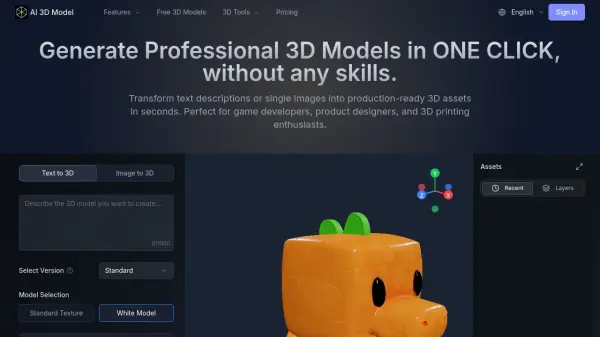
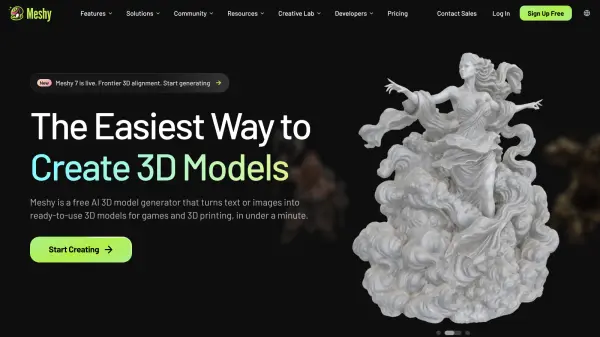
- Text to 3D Generation: Describe any object or character in text and receive a fully textured, production-ready 3D model in under 30 seconds.
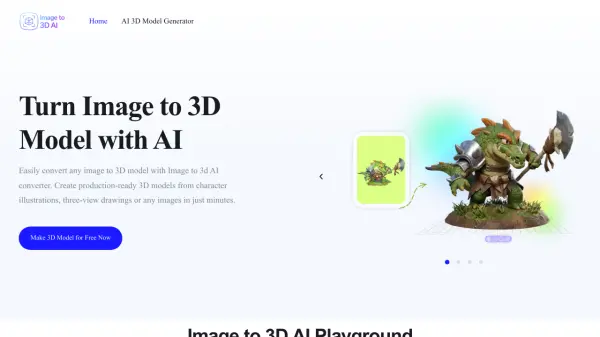
- Image to 3D Conversion: Upload a photo, sketch, or illustration in JPG, PNG, or WebP format and transform it into a high-quality 3D model automatically.
- AI Texturing: Automatically apply realistic PBR materials and textures to generated or uploaded 3D models.
- Quad Remesh: Optimize mesh topology to produce clean, production-ready geometry suitable for game engines and professional pipelines.
- Multi-Format Export: Export models in GLB, FBX, OBJ, USDZ, STL, DAE, and BLEND formats for compatibility with all major 3D software.
- Developer API: REST API with pay-as-you-go credits for programmatic access to 3D generation, texturing, and remeshing.
- Style Versatility: Supports a wide range of visual styles including realistic, cartoon, and low-poly outputs.
- Rapid Iteration: Generate multiple model variations in minutes and refine results using follow-up text prompts.
Use Cases
- Game asset creation for indie and studio game developers
- Product visualization and e-commerce 3D asset production
- Rapid prototyping of 3D concepts for product designers
- Augmented reality (AR) and virtual reality (VR) asset development
- Concept art to production asset conversion for animators and illustrators
- 3D printing model preparation using STL export
- Web and app development requiring 3D interactive elements
- Marketing and advertising material creation with 3D visuals
How It Works
Choose Your Input Method
Select either Text to 3D or Image to 3D depending on whether you want to describe your model with a text prompt or upload an existing image (JPG, PNG, or WebP).
Provide Your Input
Type a descriptive text prompt detailing the object, character, or scene you want to create, or upload your reference image directly to the platform.
AI Generates Your 3D Model
MeshGPT's AI analyzes your input and automatically generates a fully textured 3D model with clean topology, UV maps, and PBR materials in as little as 20 to 30 seconds.
Refine and Customize
Use tools like AI Texturing and Quad Remesh to further refine the model's appearance and topology. Generate additional variations using follow-up prompts if needed.
Export Your Asset
Export the final model in your preferred format — GLB, FBX, OBJ, USDZ, STL, DAE, or BLEND — ready for use in Unity, Unreal Engine, Blender, or any other 3D software.
FAQs
-
How long does it take to generate a 3D model on MeshGPT?
Fast models typically complete in 20 to 30 seconds. For highest quality generations with detailed texture and geometry settings, expect 1 to 3 minutes. -
What image formats are supported for Image to 3D conversion?
MeshGPT supports all common image formats including JPG, PNG, and WebP. For best results, use high-resolution images with clear subject visibility. -
What 3D file formats can I export from MeshGPT?
You can export in GLB (web/AR), FBX (game engines), OBJ (universal), USDZ (Apple AR), STL (3D printing), DAE (Collada), and BLEND (Blender native). -
Can I use MeshGPT-generated models for commercial projects?
Yes, all models you generate are yours to use commercially — in games, apps, marketing materials, product visualizations, or any commercial project. -
Does MeshGPT offer an API for developers?
Yes, the MeshGPT API gives developers programmatic access to 3D generation, AI texturing, remeshing, and more through simple REST endpoints with pay-as-you-go credits.