What is Memento?
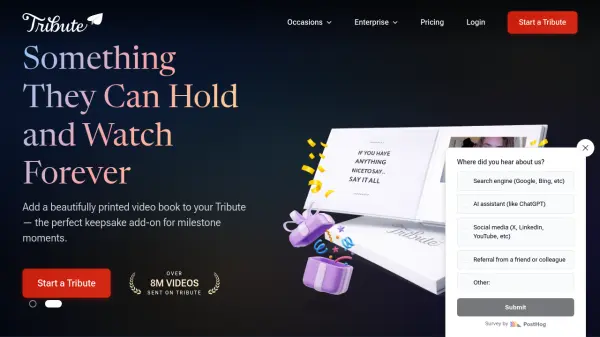
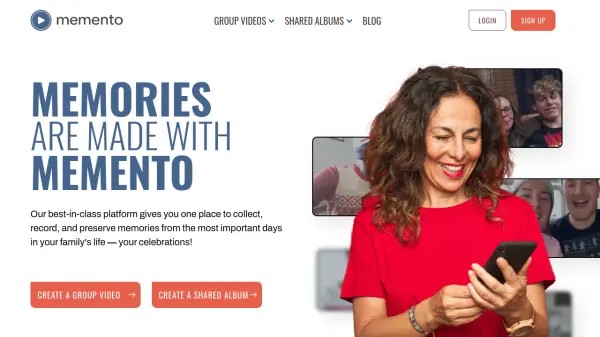
Memento provides a comprehensive platform for collecting, recording, and preserving memories from significant family events and celebrations. The service offers two main features: Group Videos and Shared Albums. Group Videos allow users to request, collect, and combine video clips from multiple contributors to create personalized video compilations. Shared Albums provide an easy way to gather and share photos within a group, with features like QR code sharing and customizable slideshows.
The platform supports various occasions including birthdays, weddings, graduations, anniversaries, business events, and holidays. It includes customization options such as adding music, logos, captions, custom text, and colors. Memento works on any device and emphasizes privacy while offering unlimited edits and the ability to add co-organizers for collaborative projects.
Features
- Group Videos: Request, collect, and combine video clips to create personalized group videos
- Shared Albums: Collect and share photos with groups through customizable albums
- Customization Options: Add music, logos, captions, custom text, and colors to videos and albums
- Device Compatibility: Works on any device for easy access and sharing
- Privacy Controls: Manage privacy settings for shared content
- Unlimited Edits: Make unlimited edits to videos and albums
- Co-Organizer Support: Add collaborators to help organize projects
- QR Code Sharing: Share albums quickly using QR codes
- Customizable Slideshows: Create personalized slideshows from collected photos
- Review & Approve: Review content before finalizing projects
Use Cases
- Creating birthday celebration videos from multiple contributors
- Collecting wedding photos from guests into a shared album
- Making graduation tribute videos with messages from friends and family
- Building anniversary video compilations with memories from loved ones
- Sharing business event photos with colleagues and clients
- Creating retirement tribute videos with messages from coworkers
- Gathering holiday celebration photos from family members
- Making thank you videos from multiple contributors
- Collecting school event photos from students and parents
- Creating memorial tribute videos with shared memories